> For the complete documentation index, see [llms.txt](https://docs.portainer.io/llms.txt). Markdown versions of documentation pages are available by appending `.md` to page URLs; this page is available as [Markdown](https://docs.portainer.io/user/docker/dashboard.md).
# Dashboard
The Docker/Swarm dashboard summarizes your Docker Standalone or Docker Swarm environment and shows the components that make up the environment.
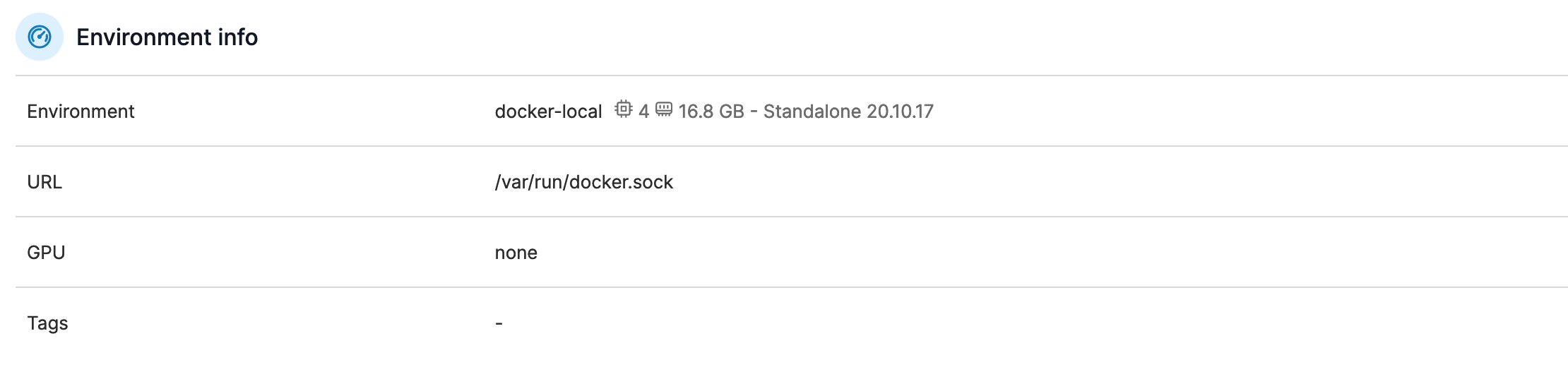
## Environment info
{% hint style="info" %}
This section is visible only to Docker Standalone and Podman environments.
{% endhint %}
This section shows the environment name, its URL and port along with any [tags](/admin/environments/tags.md#tagging-an-environment). You can also see the number of CPU cores (and their available memory), the Docker/Podman version, and whether or not the Portainer Agent is installed.
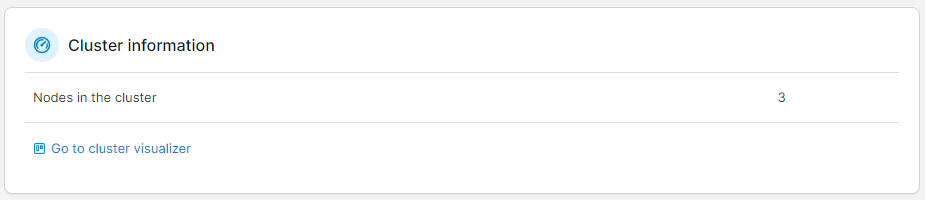
## Cluster information
{% hint style="info" %}
This section is visible only to Docker Swarm environments.
{% endhint %}
This section shows how many nodes are in the cluster and a link to the [cluster visualizer](/user/docker/swarm/cluster-visualizer.md).
## Summary tiles
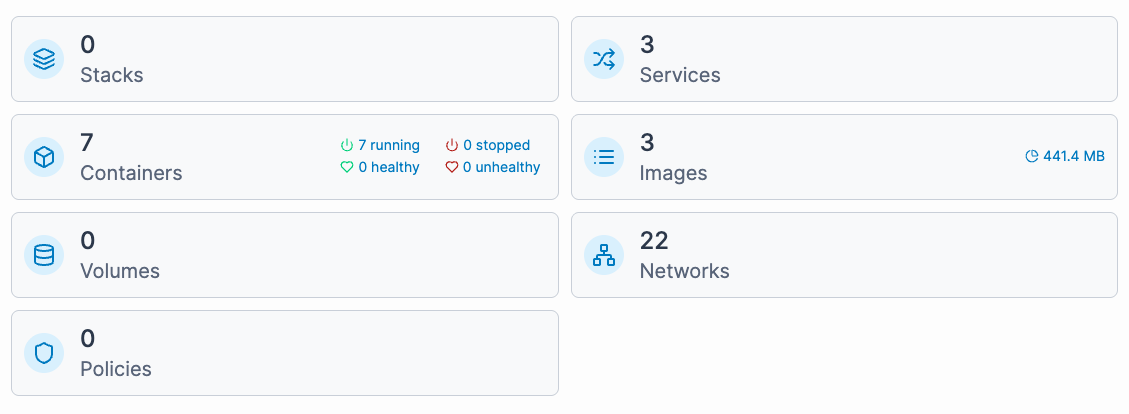
The remaining dashboard is made up of tiles showing the number of [stacks](/user/docker/stacks.md), [services](/user/docker/services.md) (for Docker Swarm), [containers](/user/docker/containers.md) (including health and running-status metrics), [images](/user/docker/images.md) (and how much disk space they consume), [volumes](/user/docker/volumes.md) and [networks](/user/docker/networks.md), [GPUs](/user/docker/containers/advanced.md#gpu) (if enabled), and [policies](/admin/environments/policies.md).