> For the complete documentation index, see [llms.txt](https://docs.portainer.io/llms.txt). Markdown versions of documentation pages are available by appending `.md` to page URLs; this page is available as [Markdown](https://docs.portainer.io/admin/environments/add/podman/socket.md).
# Connect to the Podman Socket
{% hint style="warning" %}
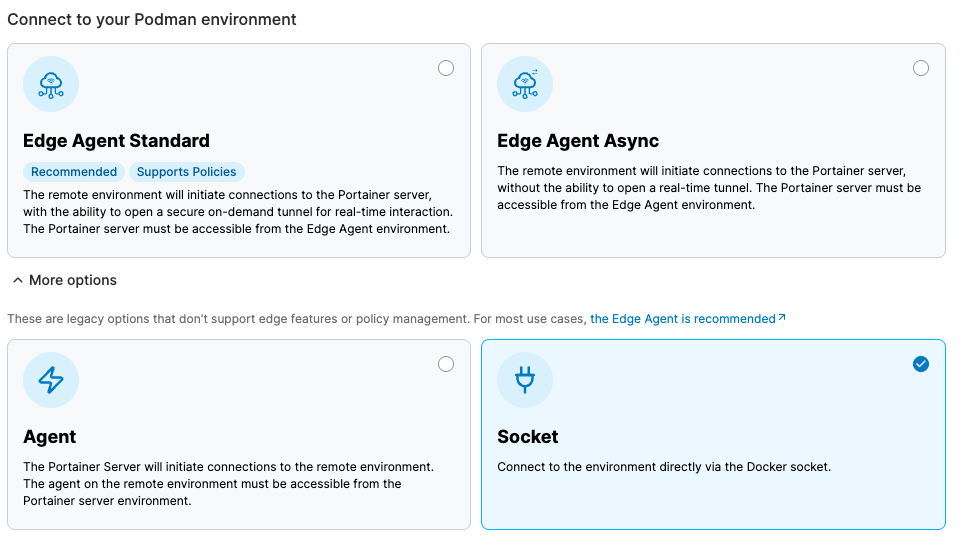
Connecting to the Podman Socket is a legacy option that does not support edge features or policy management. For most use cases, [the Edge Agent is recommended](/faqs/getting-started/why-do-we-recommend-using-the-edge-agent-instead-of-the-traditional-agent.md).
{% endhint %}
Connecting to the Podman socket directly can only be done from the local environment. Before you begin, ensure the user running the Portainer Server container has permissions to access the Podman socket.
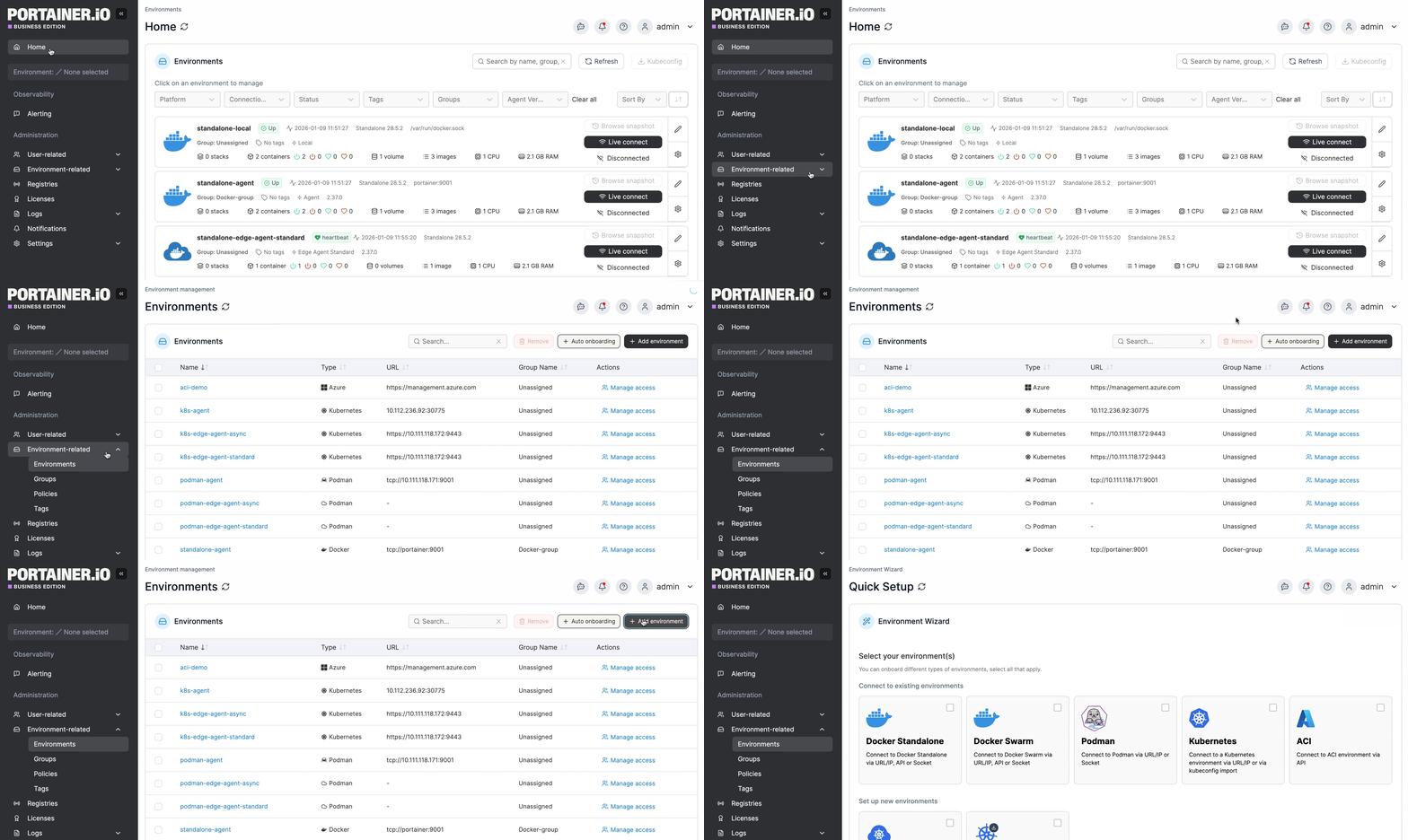
From the menu expand **Environment-related**, click **Environments**, then click **Add environment**.
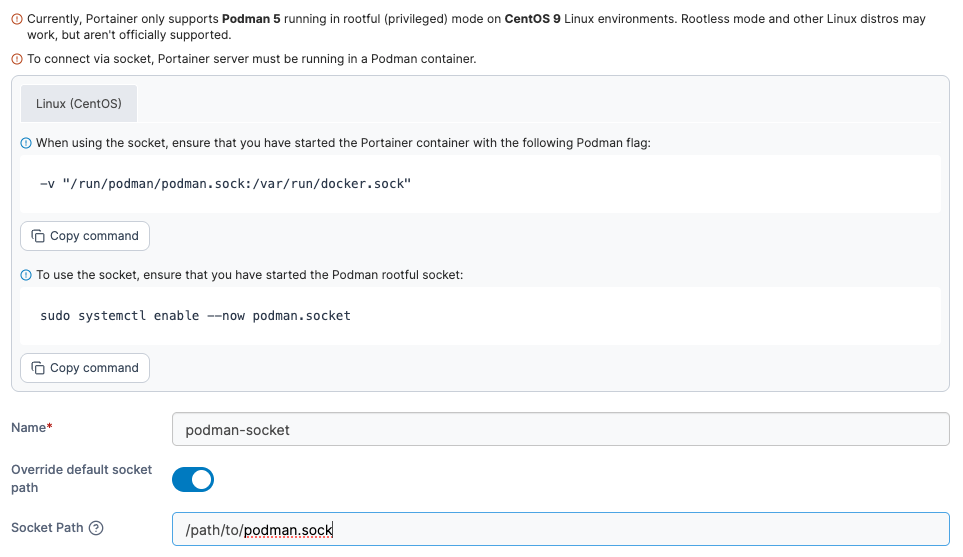
Next, select **Podman** as the environment type then click **Start Wizard**. Under **More options**, select the **Socket** option and your platform. You will be shown the command required to ensure you have started the Podman socket.
Fill out the fields based on the table below.
Field/Option
Overview
Name
Give the environment a descriptive name.
Override default socket path
Toggle this option on to override the default socket path.
Socket Path
If Override default socket path is enabled, enter the path to the Podman socket.
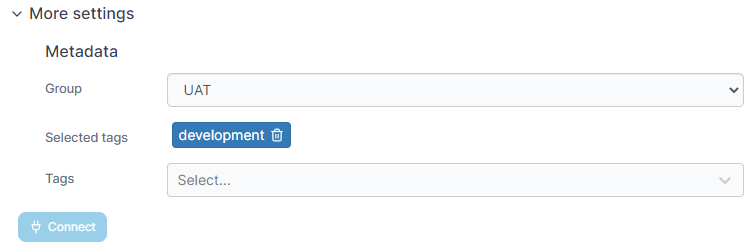
As an optional step you can expand the **More settings** section to categorize the environment by adding it to a [group](/admin/environments/groups.md) or [tagging](/admin/environments/tags.md) it for better searchability.
When you're ready, click **Connect**. If you have other environments to configure click **Continue** to proceed, otherwise click **Close** to return to the list of environments.