> For the complete documentation index, see [llms.txt](https://docs.portainer.io/llms.txt). Markdown versions of documentation pages are available by appending `.md` to page URLs; this page is available as [Markdown](https://docs.portainer.io/user/edge/templates/custom.md).
# Custom
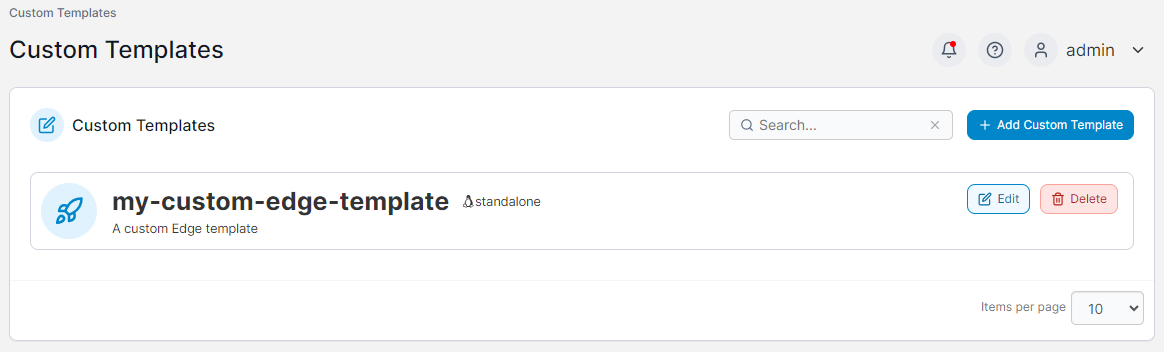
This section lists the custom templates that have been created for deploying to your Edge devices.
To deploy a custom template as an Edge stack, click the template in the list.
## Add a new custom template
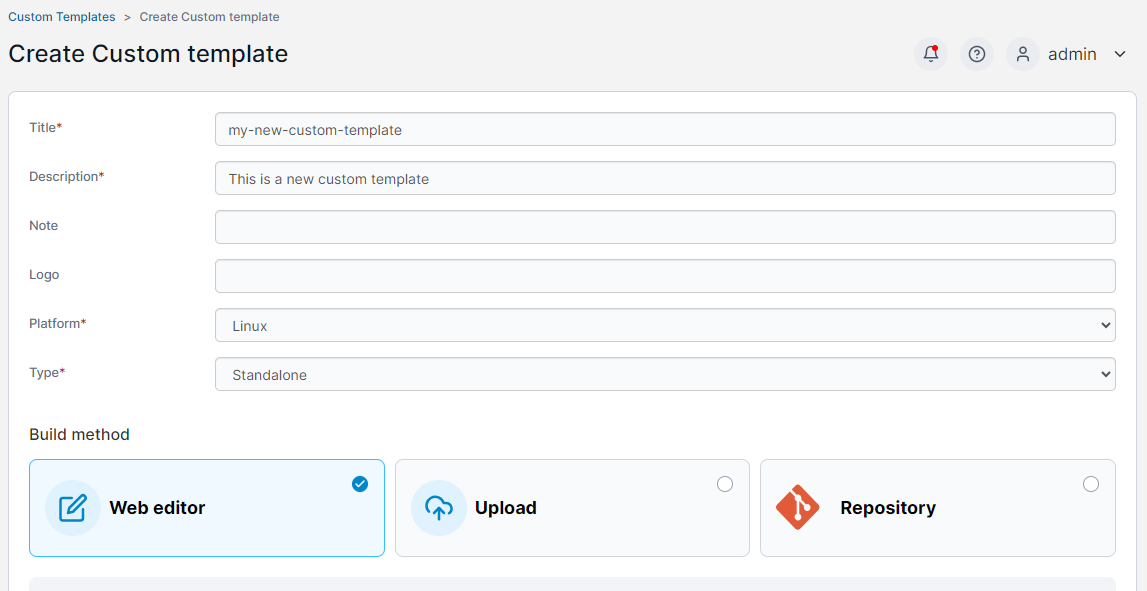
To create a new custom template, click the **Add Custom Template** button and fill out the resulting form and stack details.
{% hint style="info" %}
For more detail on custom template creation, refer to the [custom template](/user/docker/templates/custom.md#creating-a-new-custom-template) documentation.
{% endhint %}
## Edit an existing template
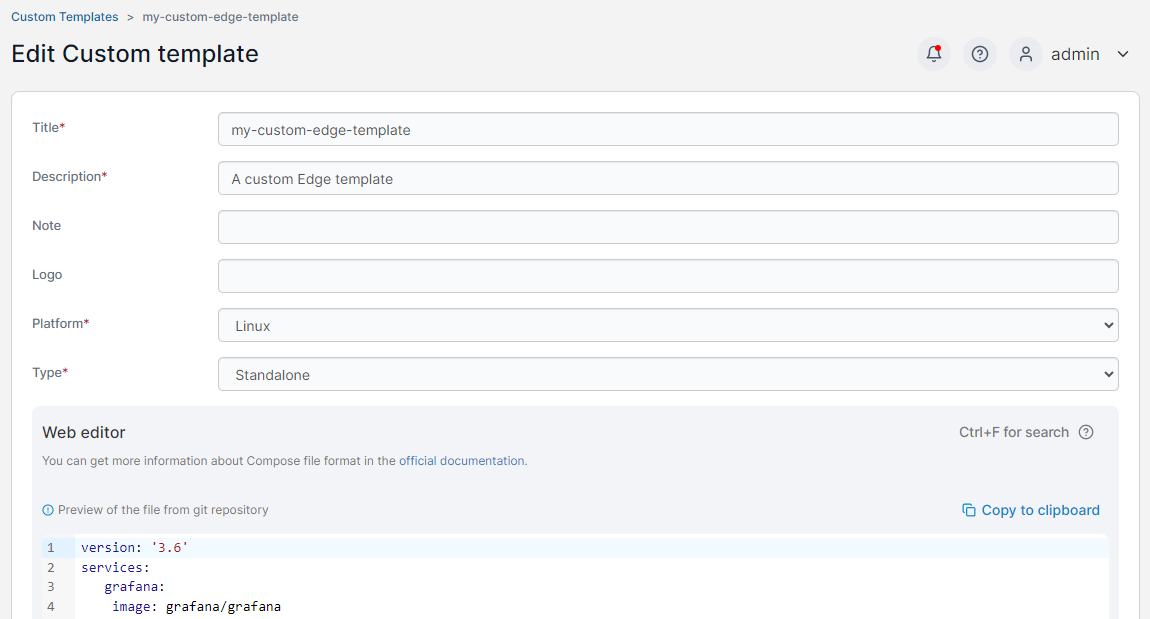
To edit an existing custom template, click the **Edit** button for the template you want to change.
## Remove a custom template
To remove a custom template, click the **Delete** button for the template you want to remove. This will not remove any Edge stacks that had been previously created with this template.