> For the complete documentation index, see [llms.txt](https://docs.portainer.io/llms.txt). Markdown versions of documentation pages are available by appending `.md` to page URLs; this page is available as [Markdown](https://docs.portainer.io/admin/user/add.md).
# Add a new user
From the menu expand **User-related** and select **Users**.
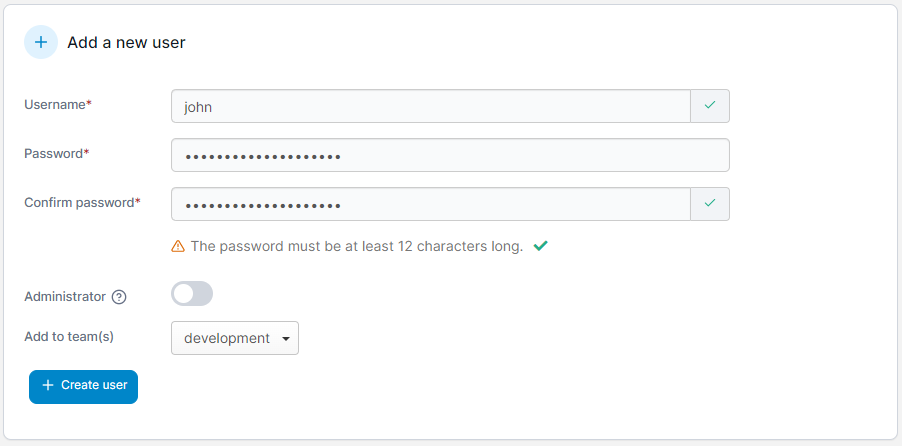
Enter a username and a strong password (and confirm it). You can also set whether this user is an Administrator as well as add the user to any teams you have created.
Once you're ready, click **Create user**.