> For the complete documentation index, see [llms.txt](https://docs.portainer.io/llms.txt). Markdown versions of documentation pages are available by appending `.md` to page URLs; this page is available as [Markdown](https://docs.portainer.io/user/docker/containers/stats.md).
# View container statistics
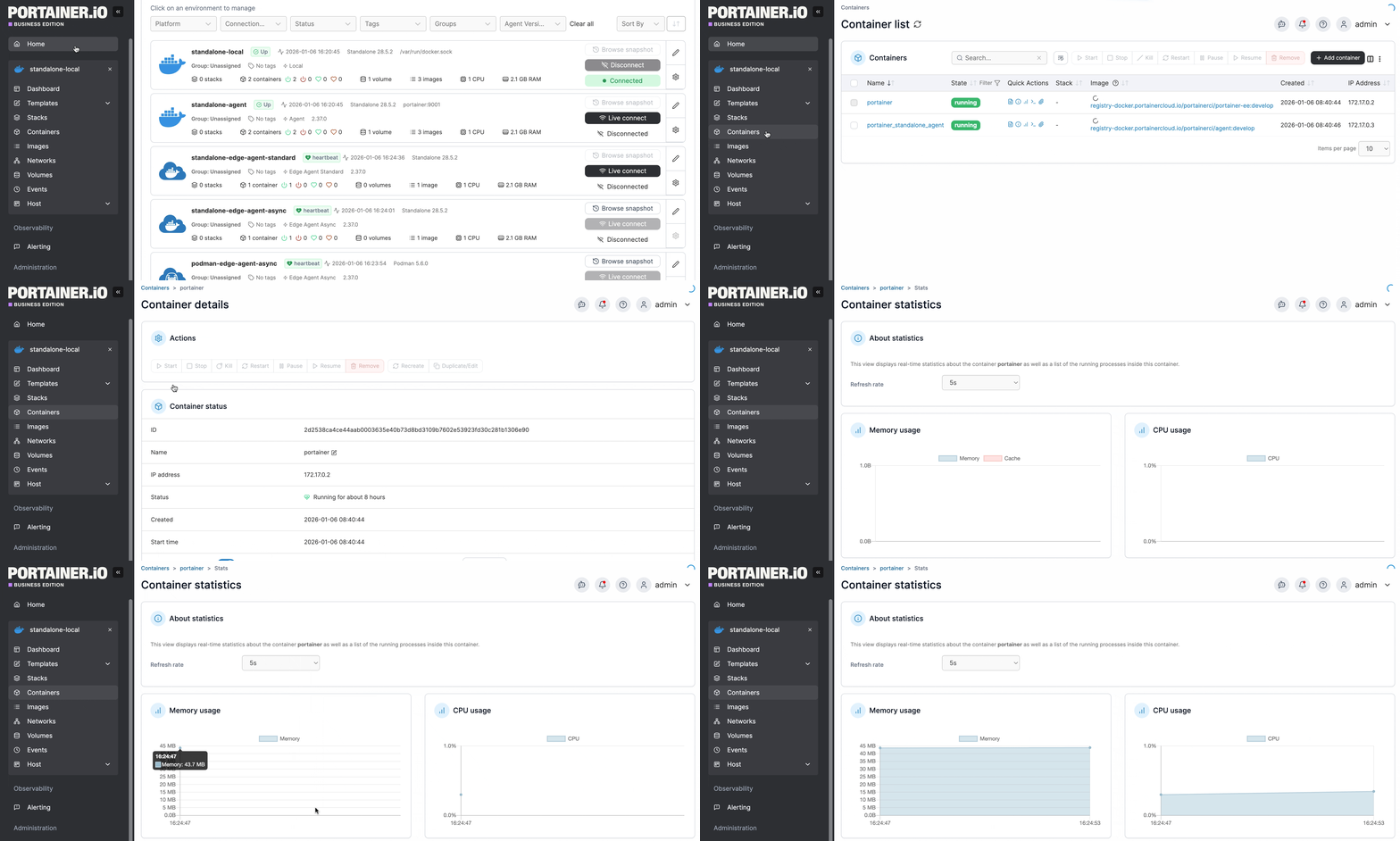
From the menu select **Containers**, select the container then select **Stats**.
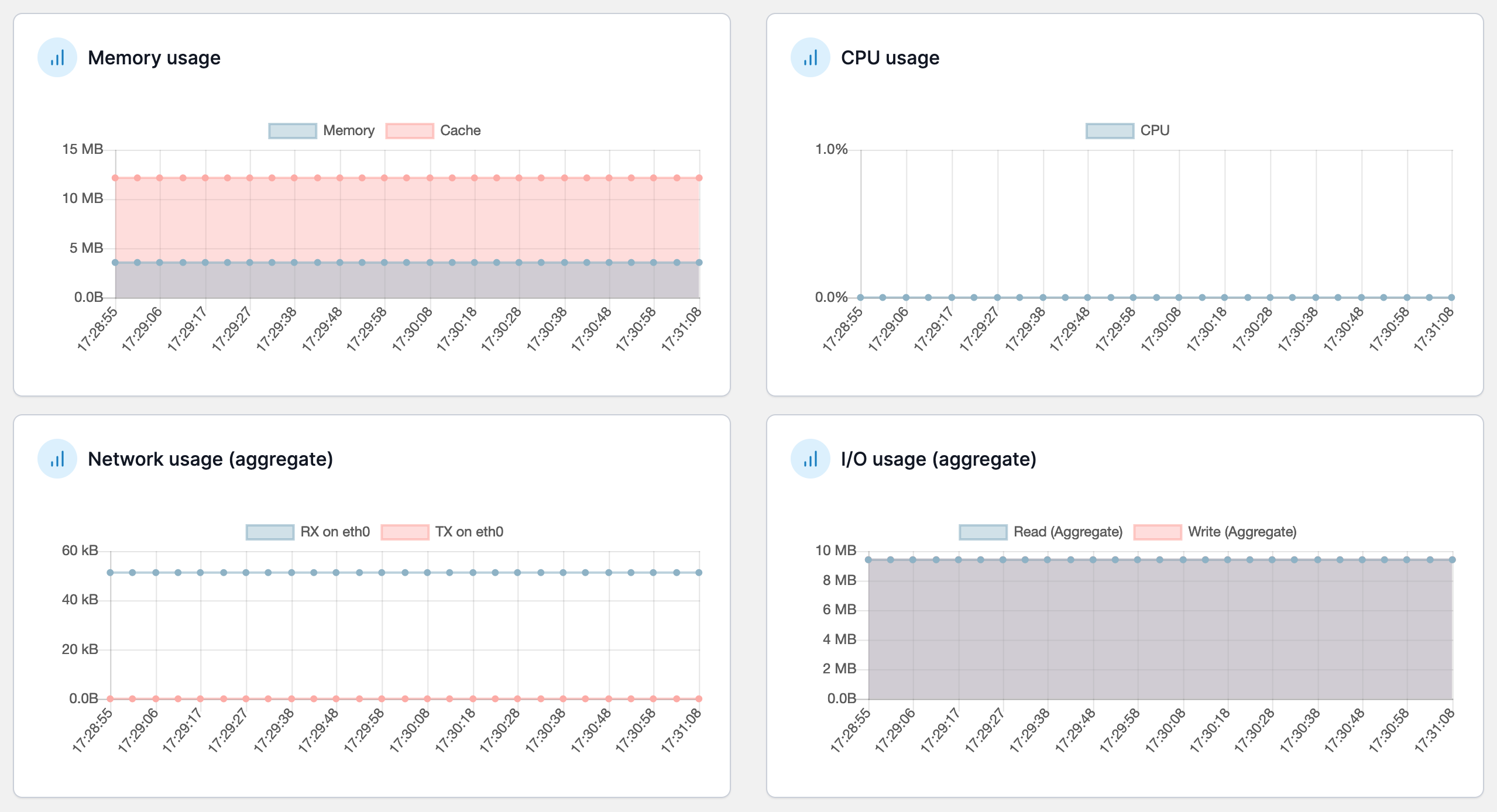
The information available includes:
* Memory usage.
* CPU usage.
* Network usage (RX and TX).
* I/O usage.
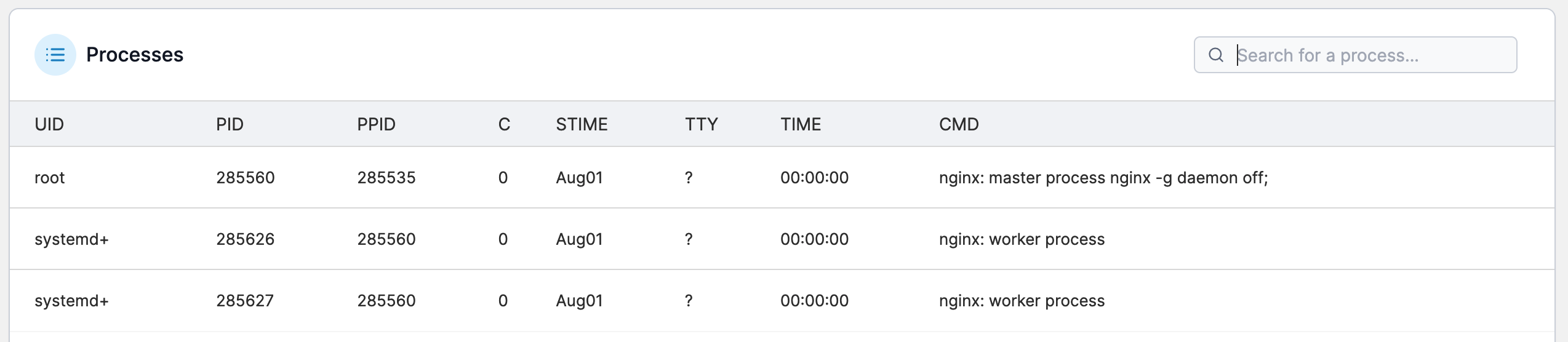
* Processes running in the container
{% hint style="info" %}
You can change the refresh rate at any time.
{% endhint %}