> For the complete documentation index, see [llms.txt](https://docs.portainer.io/llms.txt). Markdown versions of documentation pages are available by appending `.md` to page URLs; this page is available as [Markdown](https://docs.portainer.io/admin/registries/add/custom.md).
# Add a custom registry
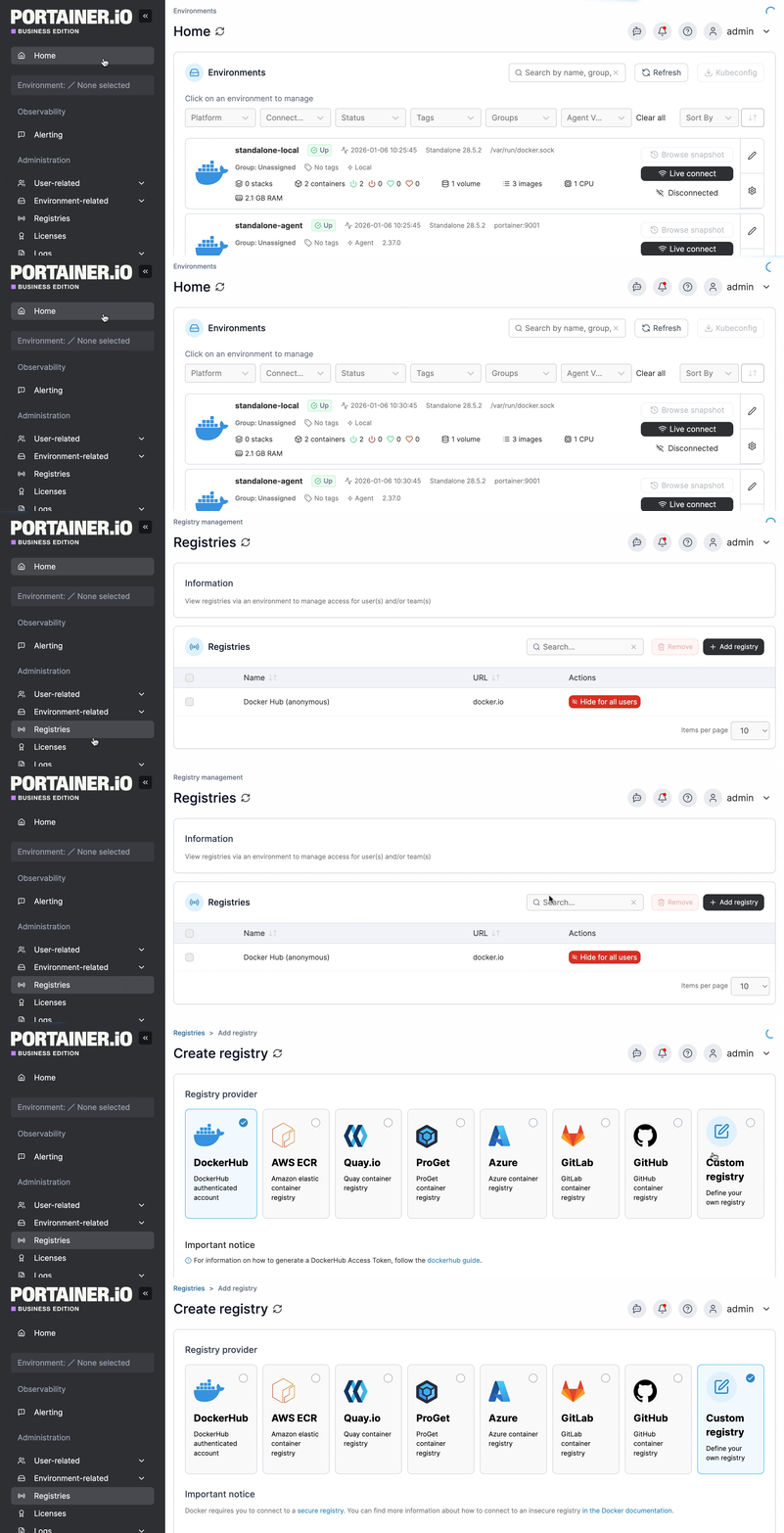
From the menu select **Registries** then click **Add registry**. Ensure **Custom registry** is selected.
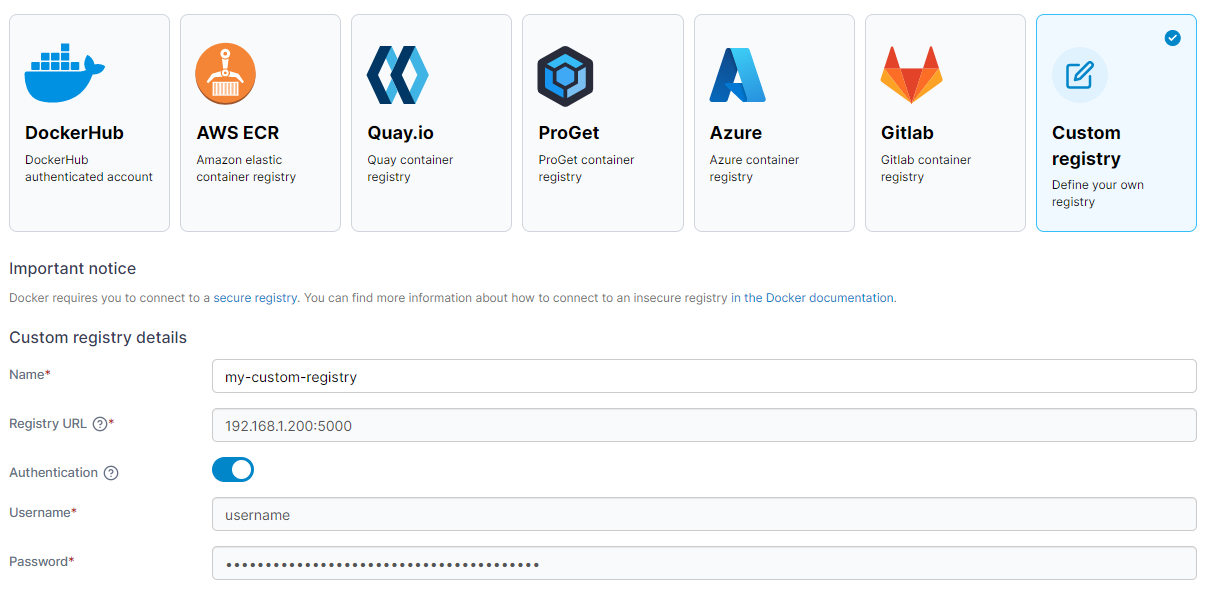
In the **Custom registry details** section, enter the registry name and URL (both mandatory). If authentication is required, toggle **Authentication** on and enter the username and password.
{% hint style="info" %}
When a protocol is not provided in the URL, `https://` is assumed by default.
{% endhint %}
When you're finished, click **Add registry**.