

Licenses
Licensing in Portainer Business Edition is based on the number of nodes you are managing.

If you wish to renew your existing license you can do so by clicking the Renew license button.
You can also view a list of each license applied to your Portainer installation.
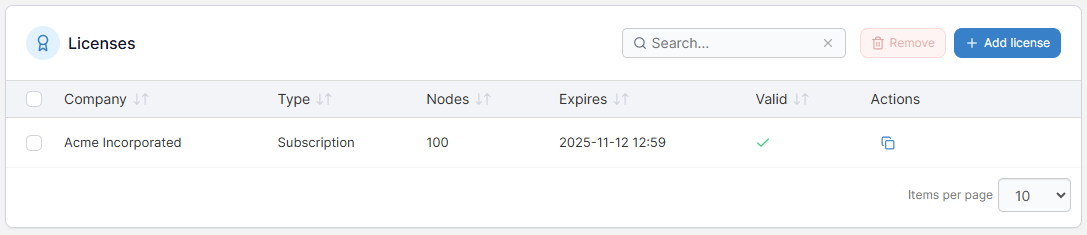
If you want to add more nodes to your environment than your license allows, you can buy more nodes.
Add a new license
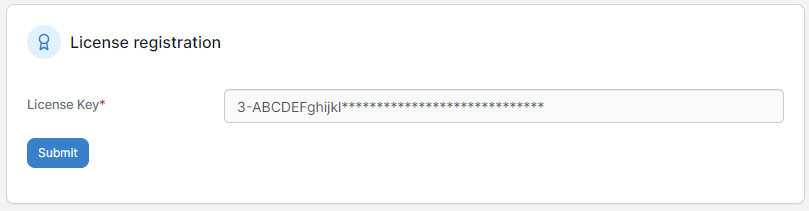
Once you have obtained your new license key, to add it to Portainer click Add license, enter your license key then click Submit.
Remove a license
To remove a license (for example when you want to remove an expired license), tick the box next to the license and click Remove. You will be asked to confirm the removal.
Ensure you have enough licenses to cover the number of nodes you are using before committing to the removal. For more on how nodes are calculated, refer to this knowledge base article.
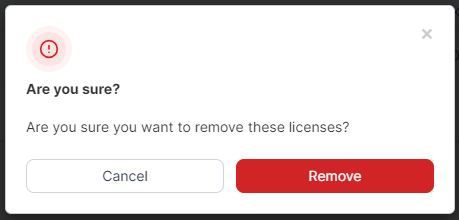
To confirm, click Remove.
Was this helpful?