> For the complete documentation index, see [llms.txt](https://docs.portainer.io/llms.txt). Markdown versions of documentation pages are available by appending `.md` to page URLs; this page is available as [Markdown](https://docs.portainer.io/user/kubernetes/applications/edit-helm.md).
# Edit a Helm application
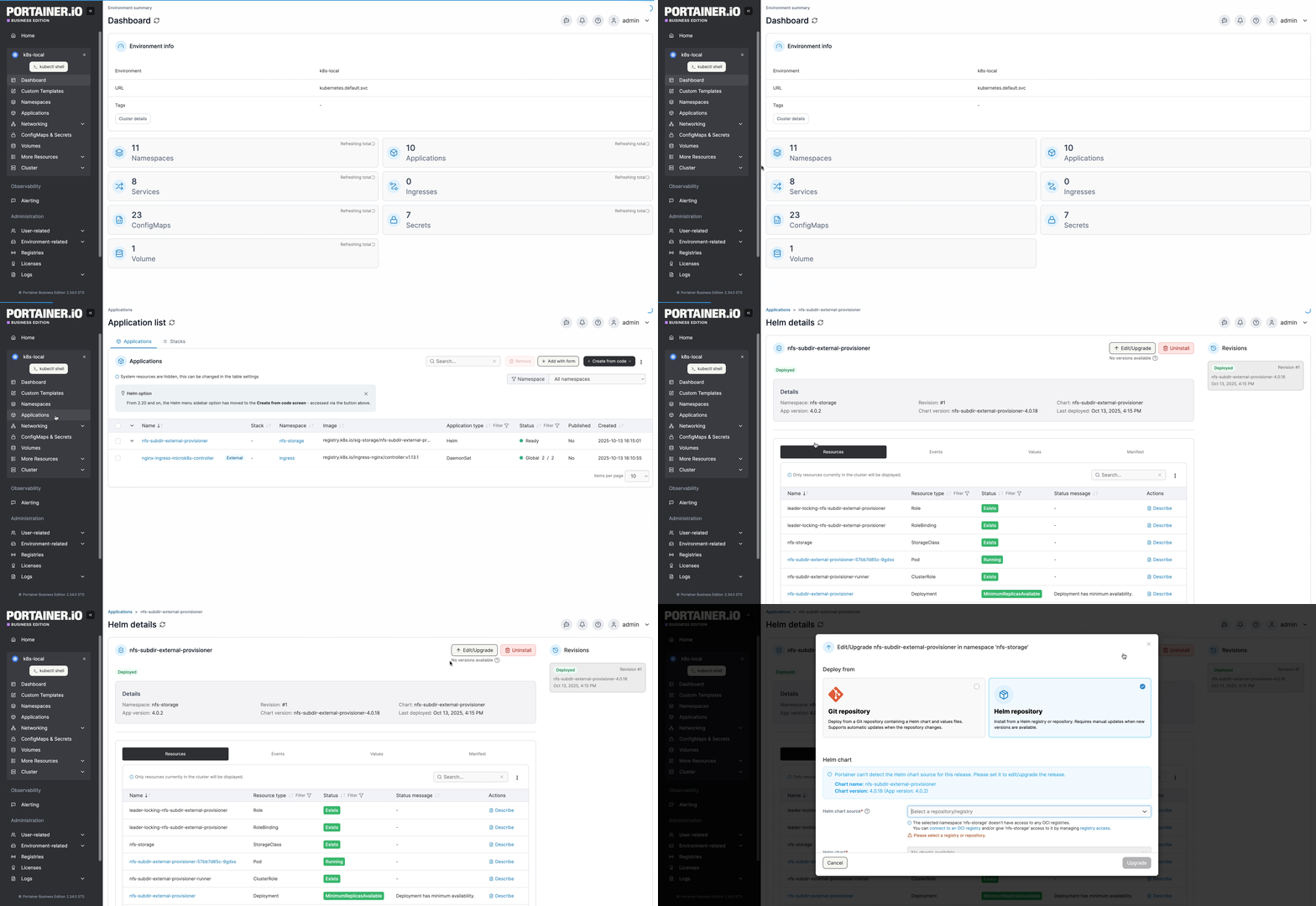
From the menu select **Applications** and select the Helm application you want to edit or upgrade.
With Helm chart versioning, a Helm deployment can be upgraded or downgraded through Portainer. If a newer version of your currently deployed chart is available, a new version notification will be displayed on under the **Edit/Upgrade** button. You can click the **Refresh** link to update the list of versions from the chart source.
To make changes to, upgrade, or downgrade a Helm deployment, click **Edit/Upgrade**.
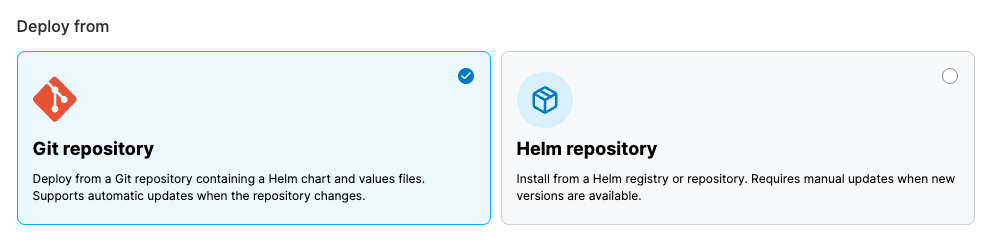
In the popup that appears, choose whether to edit using deployment details from a **Git repository** or a **Helm repository**. This option defaults to the method originally used when creating the application, but you can change it if needed.
## Git repository
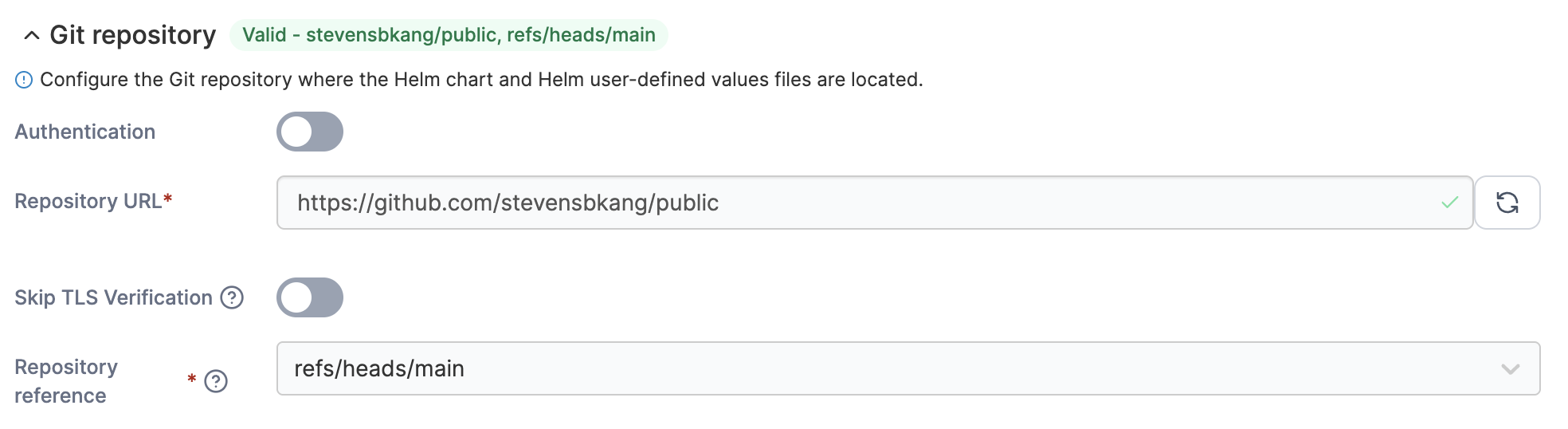
If the application was deployed from a Git repository you can view or edit your Git configuration defined during setup.
{% hint style="info" %}
For more details on the fields you can edit in this view, see the documentation on [setting up a Helm application from a Git repository](/user/kubernetes/applications/manifest/helm.md#git-repository).
{% endhint %}
A tag showing the **repository** and **reference** indicates whether the current setup is **Valid** or **Invalid**. Click the **Git repository** title to expand the section and edit the details.
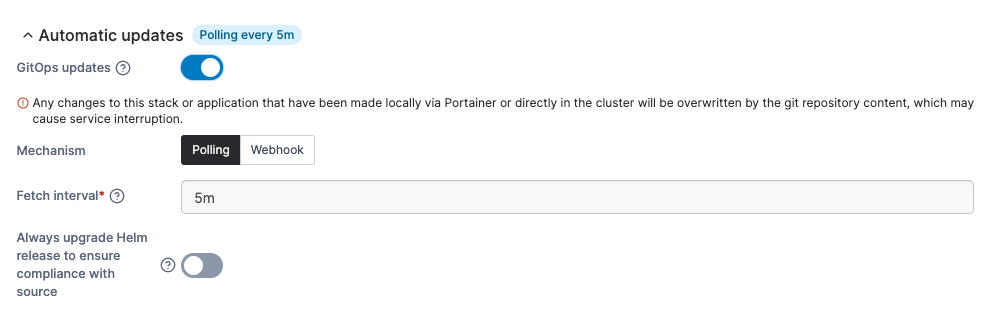
You can modify Automatic update options from this view. If **GitOps updates** are enabled, a tag showing the configured update timeframe is displayed next to the title. Click the **Automatic updates** title to expand the section and edit the settings.
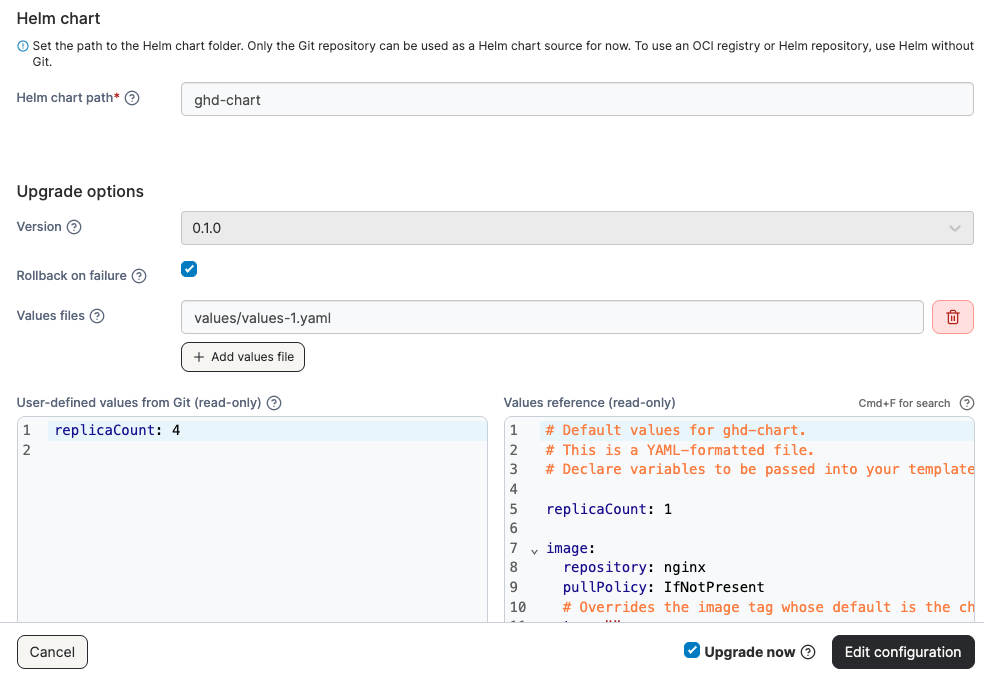
You can edit the **Helm chart path** in this view. The specified folder must contain a `Chart.yaml` file.
Under **Upgrade options**, you can view the **Version** of the Helm chart as defined in the `Chart.yaml` file from the specified Helm chart path. This field is read-only and cannot be changed when deploying from Git.
Select **Rollback on failure** to automatically delete the installation if it fails for any reason. This option is equivalent to using the `--atomic` flag in Helm.
You can also specify one or more **Values files** to override the default chart values. If multiple files are listed, they are merged in the order specified, with the last file taking precedence.
{% hint style="info" %}
You can get more information about the Helm values file format in the [official Helm documentation](https://helm.sh/docs/chart_template_guide/values_files/).
{% endhint %}
**User-defined values from Git** and the **Values reference** are displayed side by side, showing the values that will be applied during the upgrade. These views are read-only. You can expand the **Manifest preview** section below the values comparison to display a preview of the resulting merged manifest.
Tick the **Upgrade now** box to apply the upgrade immediately, instead of waiting for the next poll or webhook trigger.
When you're ready, click **Edit configuration**. The upgrade will begin, and you'll be returned to the application's details page.
The **Status** of the upgrade is displayed on the details page, and you can view the **Events** tab for more detailed information.
## Helm repository
In this view, you can change the **Helm chart source** and select the registry or repository where the chart is located. Under **Helm chart**, choose a registry to load the available Helm charts.
Choose the **chart version** you want to switch to (your current version is labeled) and make any necessary adjustments to the values in the **User-defined values** view. The default **values reference** for the selected version are displayed on the right as a read-only reference.
To preview the manifest that will be created from the updated Helm chart, click the **Manifest preview** header.
You can also choose to **Rollback on failure** by selecting the corresponding checkbox.
When you're ready, click **Edit/Upgrade**. The upgrade will begin and you will be returned to the details page for the application.

.gif)