> For the complete documentation index, see [llms.txt](https://docs.portainer.io/llms.txt). Markdown versions of documentation pages are available by appending `.md` to page URLs; this page is available as [Markdown](https://docs.portainer.io/user/kubernetes/volumes.md).
# Volumes
In Kubernetes, a volume is an abstraction of a file system made available to applications. In Portainer, you can manage the volumes deployed by your applications within your cluster.
Volumes and storage classes can be added [using a manifest](/user/kubernetes/applications/manifest/create.md) or a [helm chart](/user/kubernetes/applications/manifest/helm.md) by clicking **Create from code.**
## Persistent volume claims
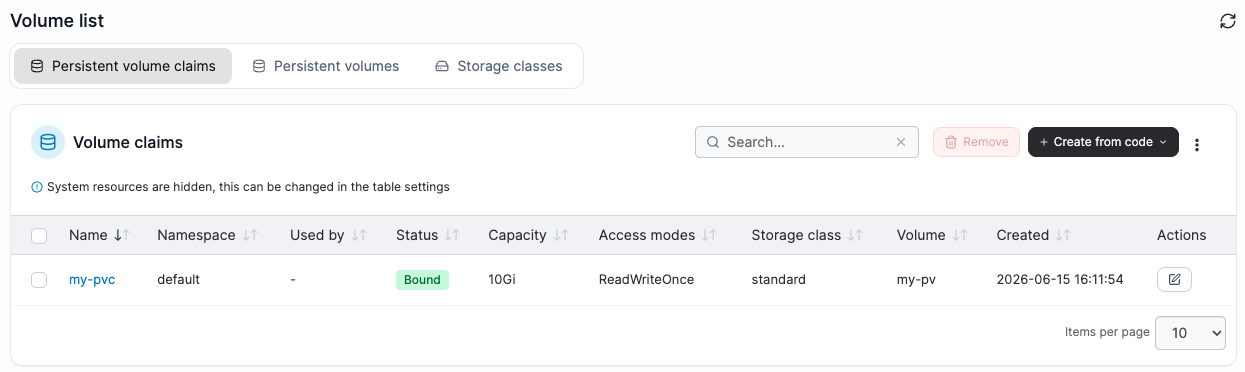
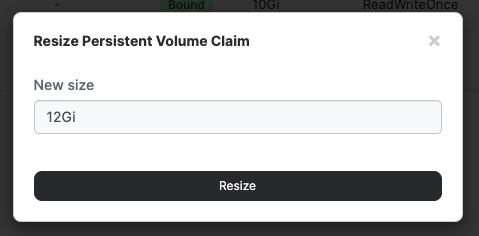
Lists the persistent volume claims that exist within the cluster. To resize a persistent volume claim, select the edit icon in the **Actions** menu. Click the volume name to [view its details](/user/kubernetes/volumes/inspect.md).
## Persistent volumes
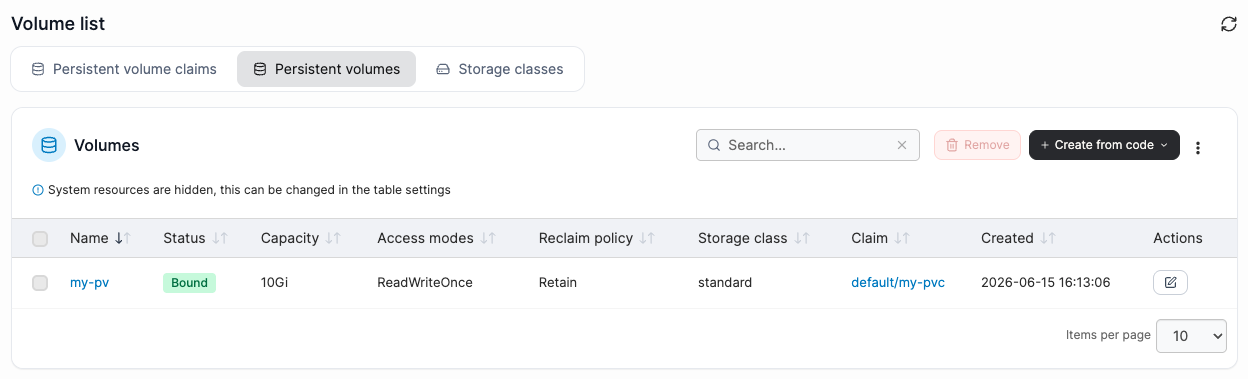
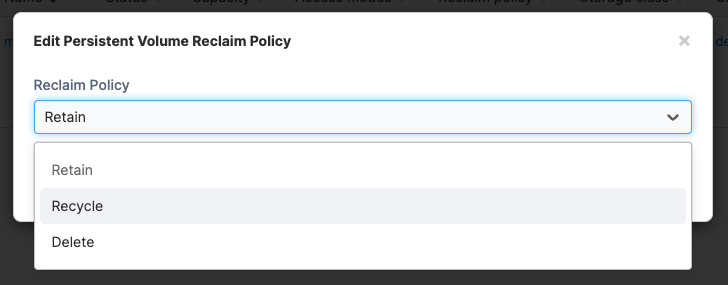
Lists the persistent volumes that exist within the cluster. To edit the reclaim policy of a volume, select the edit icon in the **Actions** menu. Click the volume name to [view its details](/user/kubernetes/volumes/inspect.md).
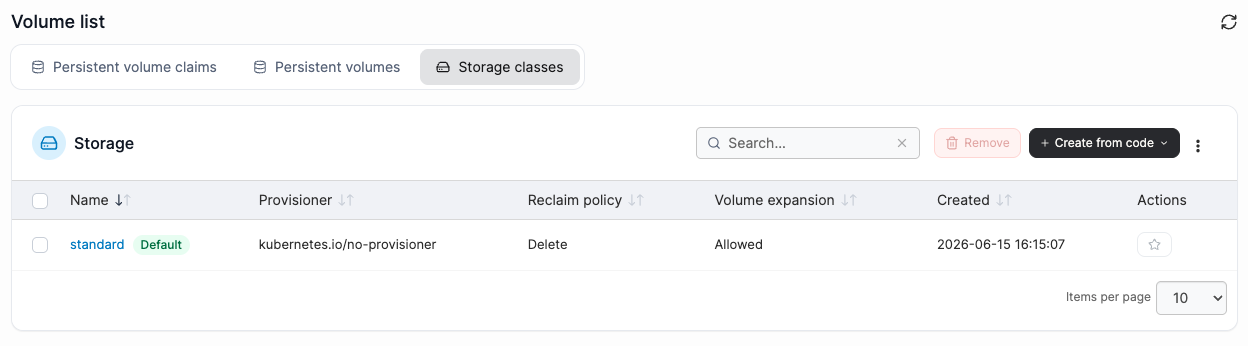
## Storage classes
Lists the storage classes available within your cluster. To set a storage class as the cluster default, select the star icon in the **Actions** menu. Click the storage class name to [view its details](/user/kubernetes/volumes/inspect.md).
{% content-ref url="/pages/-Mi-N4gt6ws8W5tqWrUe" %}
[Inspect and edit a volume](/user/kubernetes/volumes/inspect.md)
{% endcontent-ref %}
{% content-ref url="/pages/-Mhuf39xygebrDMmjnF1" %}
[Remove a volume](/user/docker/volumes/remove.md)
{% endcontent-ref %}