> For the complete documentation index, see [llms.txt](https://docs.portainer.io/llms.txt). Markdown versions of documentation pages are available by appending `.md` to page URLs; this page is available as [Markdown](https://docs.portainer.io/user/kubernetes/configurations/add.md).
# Add a ConfigMap
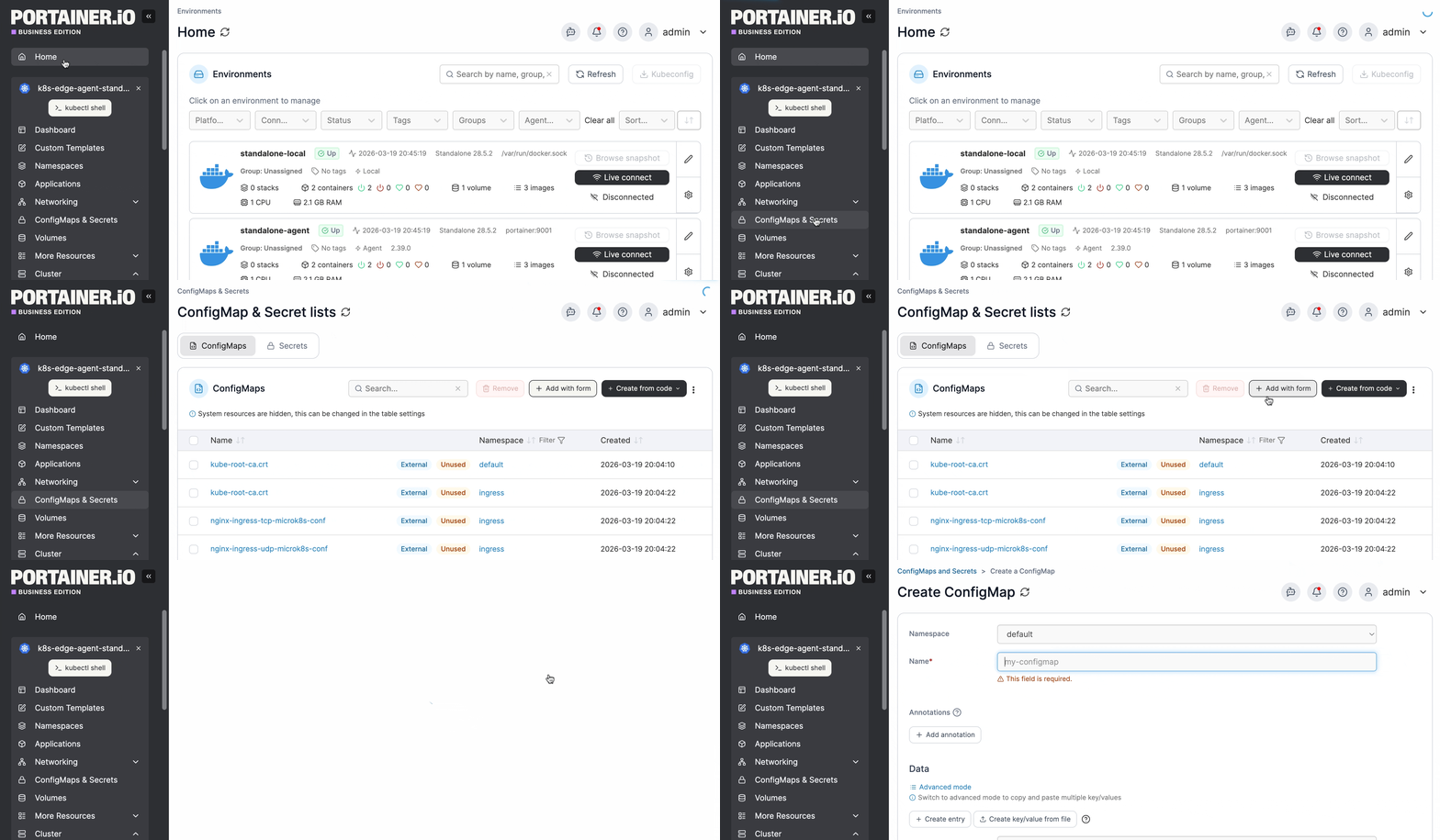
From the menu select **ConfigMaps & Secrets**, ensure the **ConfigMaps** tab is selected, then click **Add with form**.
{% hint style="info" %}
Change hint settingsConfigMaps can also be added using a manifest or Helm chart by clicking **Create from code**.
{% endhint %}
Define the ConfigMap, using the table below as a guide.
| Field/Option | Overview |
| ------------ | ------------------------------------------------------------------------------------------------------------------------------------- |
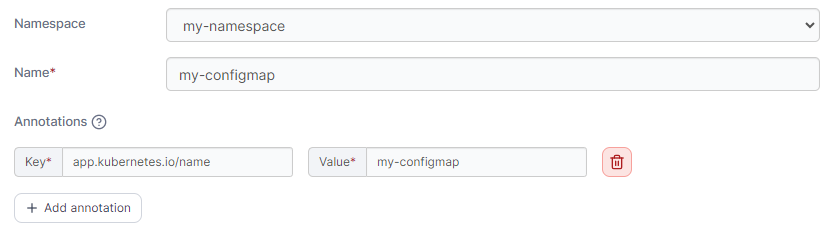
| Namespace | Select the namespace where the ConfigMap will be saved. |
| Name | Give the ConfigMap a descriptive name. |
| Annotations | You can add annotations to your ConfigMap as required by clicking **Add annotation** and filling in the **Key** and **Value** fields. |
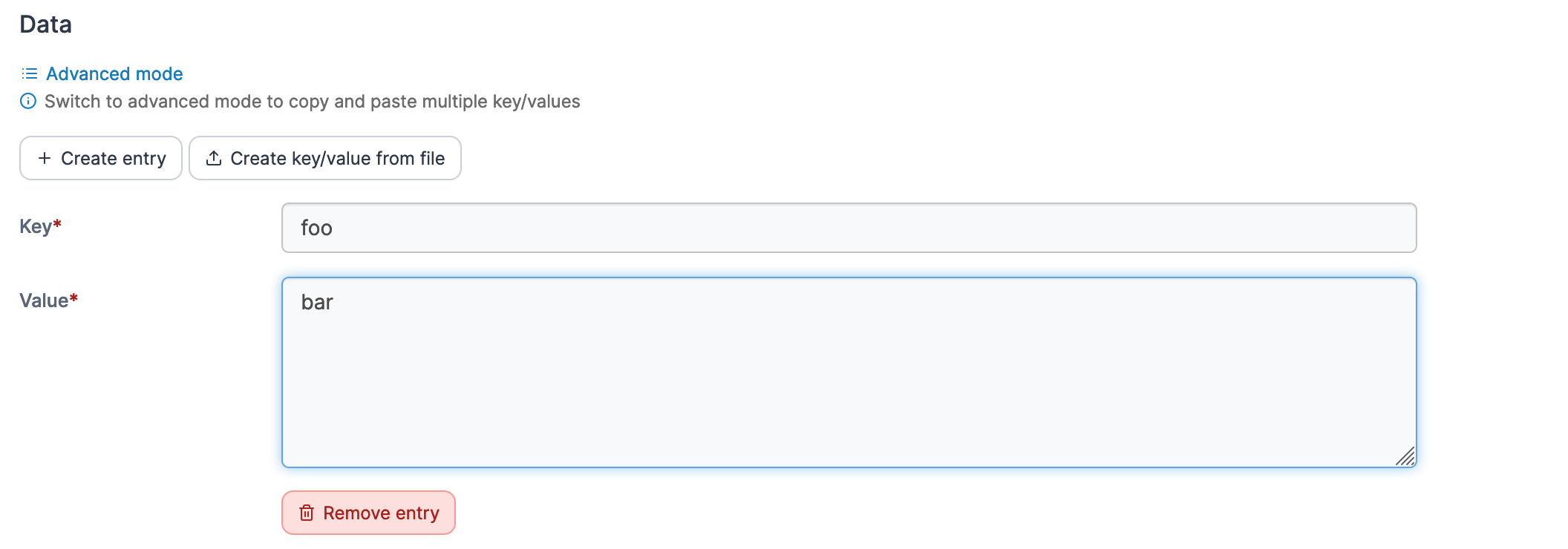
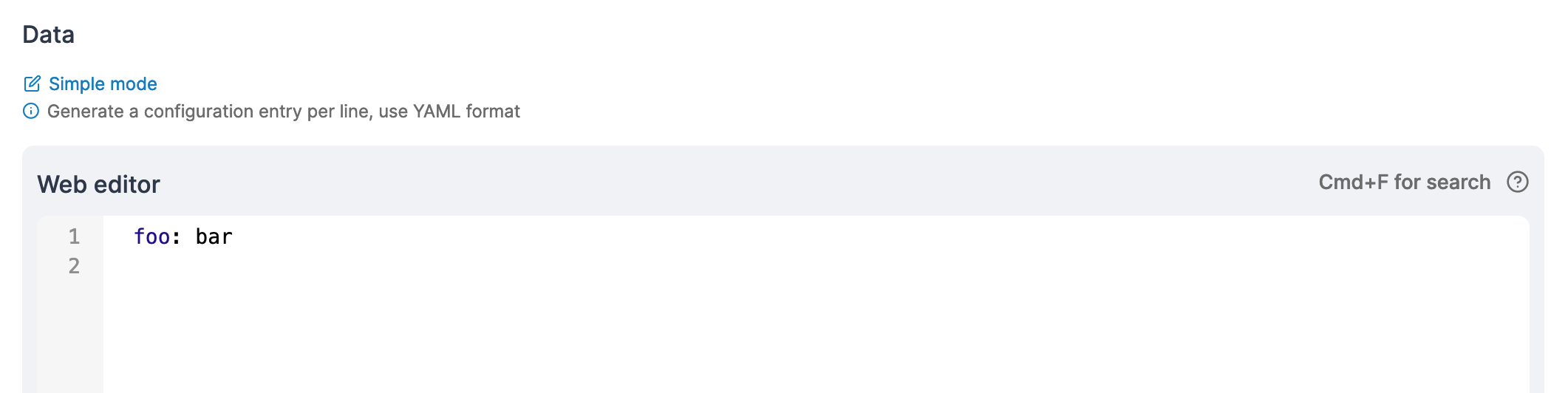
In the **Data** section you can enter the details of your ConfgMap, in either **Simple mode** or **Advanced mode**. Under Simple mode you can add entries in a key and value format, and in Advanced mode you can paste in multiple values in YAML format.
Adding data in Simple mode
Adding data in Advanced mode
When you have finished defining the ConfigMap, click **Create ConfigMap.**