> For the complete documentation index, see [llms.txt](https://docs.portainer.io/llms.txt). Markdown versions of documentation pages are available by appending `.md` to page URLs; this page is available as [Markdown](https://docs.portainer.io/user/kubernetes/applications/edit.md).
# Edit an application
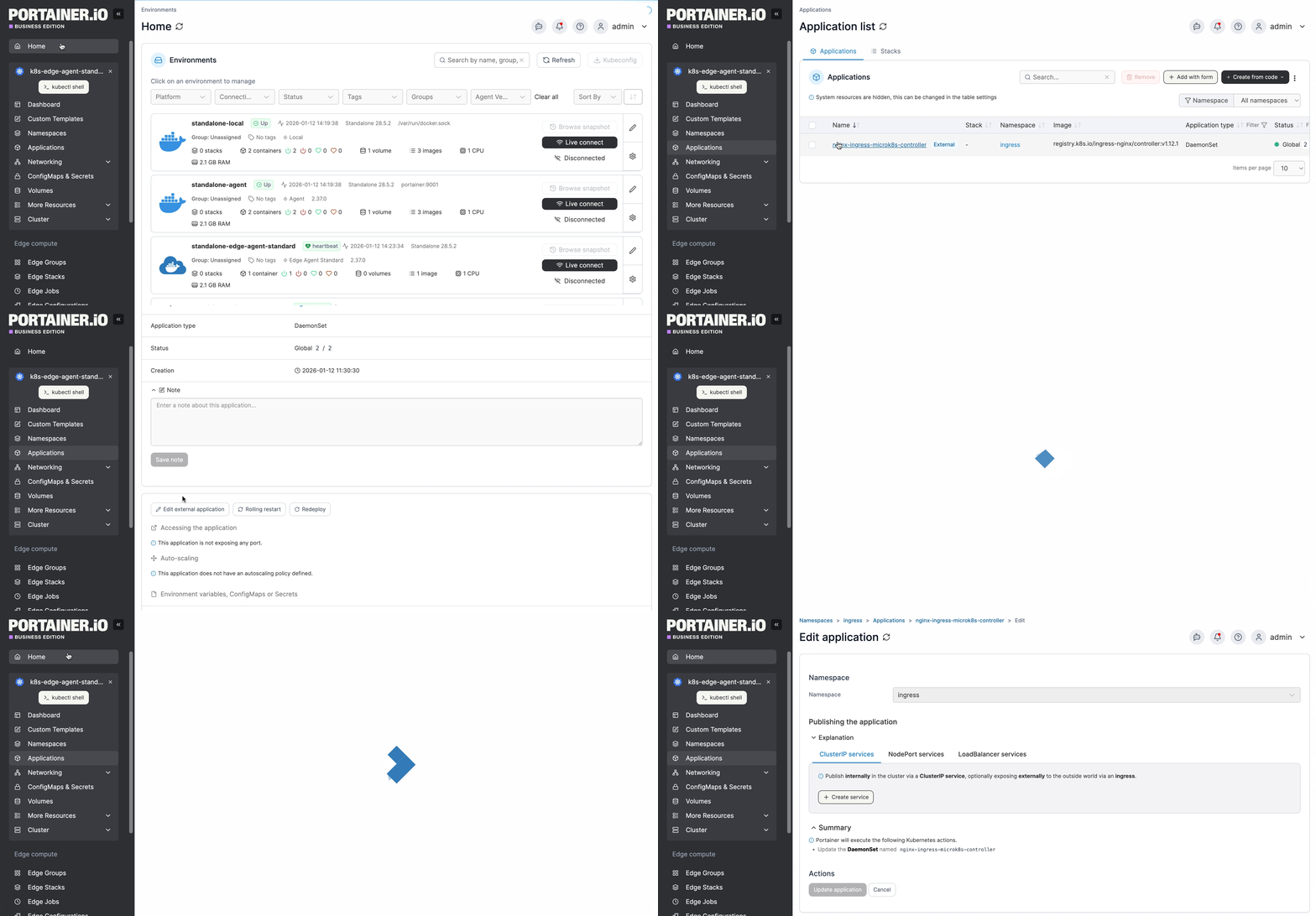
From the menu select **Applications**, select the application you want to edit, then click **Edit this application**, **Edit external application**, or **Edit Git settings**.
Your editing options will depend on how the application was deployed initially.
{% hint style="info" %}
Regardless of the deployment method, you can [edit an application's YAML directly](/user/kubernetes/applications/inspect.md#yaml-tab) through the YAML tab in Portainer Business Edition.
{% endhint %}
## Applications deployed from Git
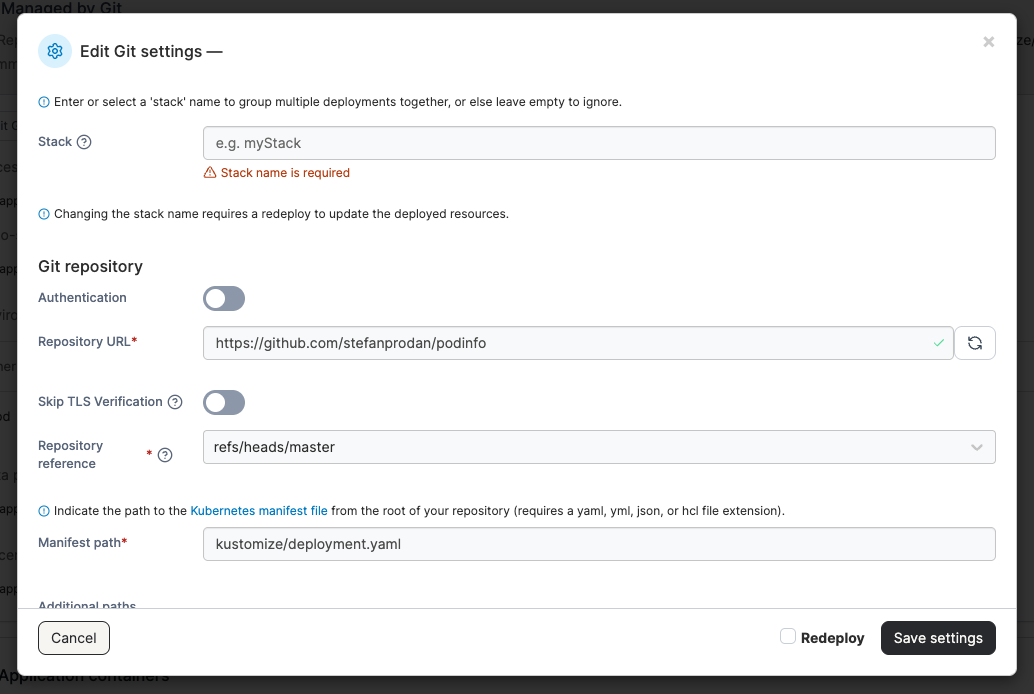
If the application was [deployed from a Git repository](/user/kubernetes/applications/manifest.md#repository) you can edit any [Git settings](/user/kubernetes/applications/manifest/create.md#repository) that you set on the application deployment.
If you want to redeploy, select the **Redeploy** tickbox before saving. If you're simply updating the repository settings and don't need to redeploy, click **Save settings**.
If you need to **pull and redeploy**, this can be done from the application view.
## Applications deployed from the Web Editor
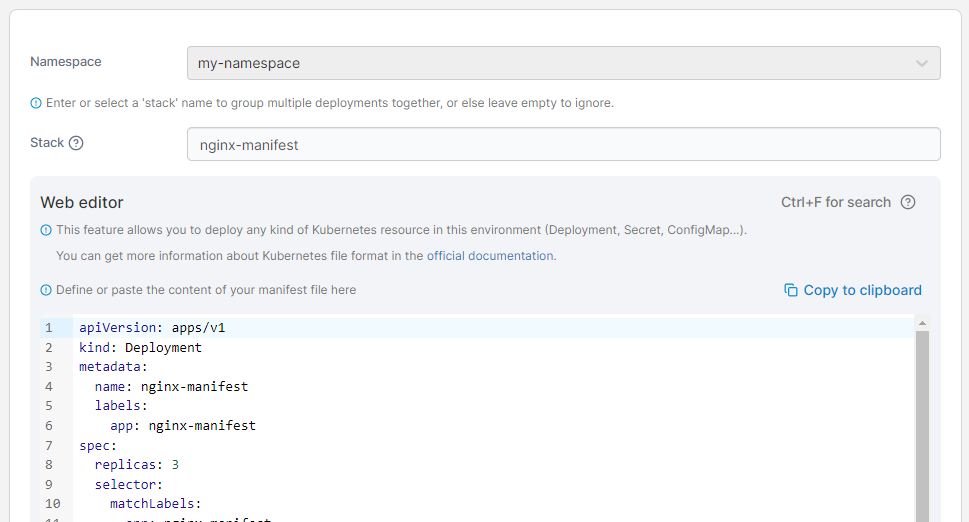
If the application was deployed from the Web Editor, you will be given the ability to edit the manifest manually.
{% hint style="info" %}
You can search within the web editor at any time by pressing `Ctrl-F` (or `Cmd-F` on Mac).
{% endhint %}
Make the required changes then click **Update application**.
## Applications deployed from an Edge Stack
If the application was deployed from an Edge stack, selecting **Edit this application** redirects you to the [Edit Edge Stacks page](/user/edge/stacks.md), where you can view the stack details or modify the stack.
## Applications deployed from a form
When editing an application deployed from a form, you will be able to update the configuration using the same form. Refer to [adding a new application using a form](/user/kubernetes/applications/add.md) for details.