> For the complete documentation index, see [llms.txt](https://docs.portainer.io/llms.txt). Markdown versions of documentation pages are available by appending `.md` to page URLs; this page is available as [Markdown](https://docs.portainer.io/user/kubernetes/applications/detach-volume.md).
# Detach a volume from an application
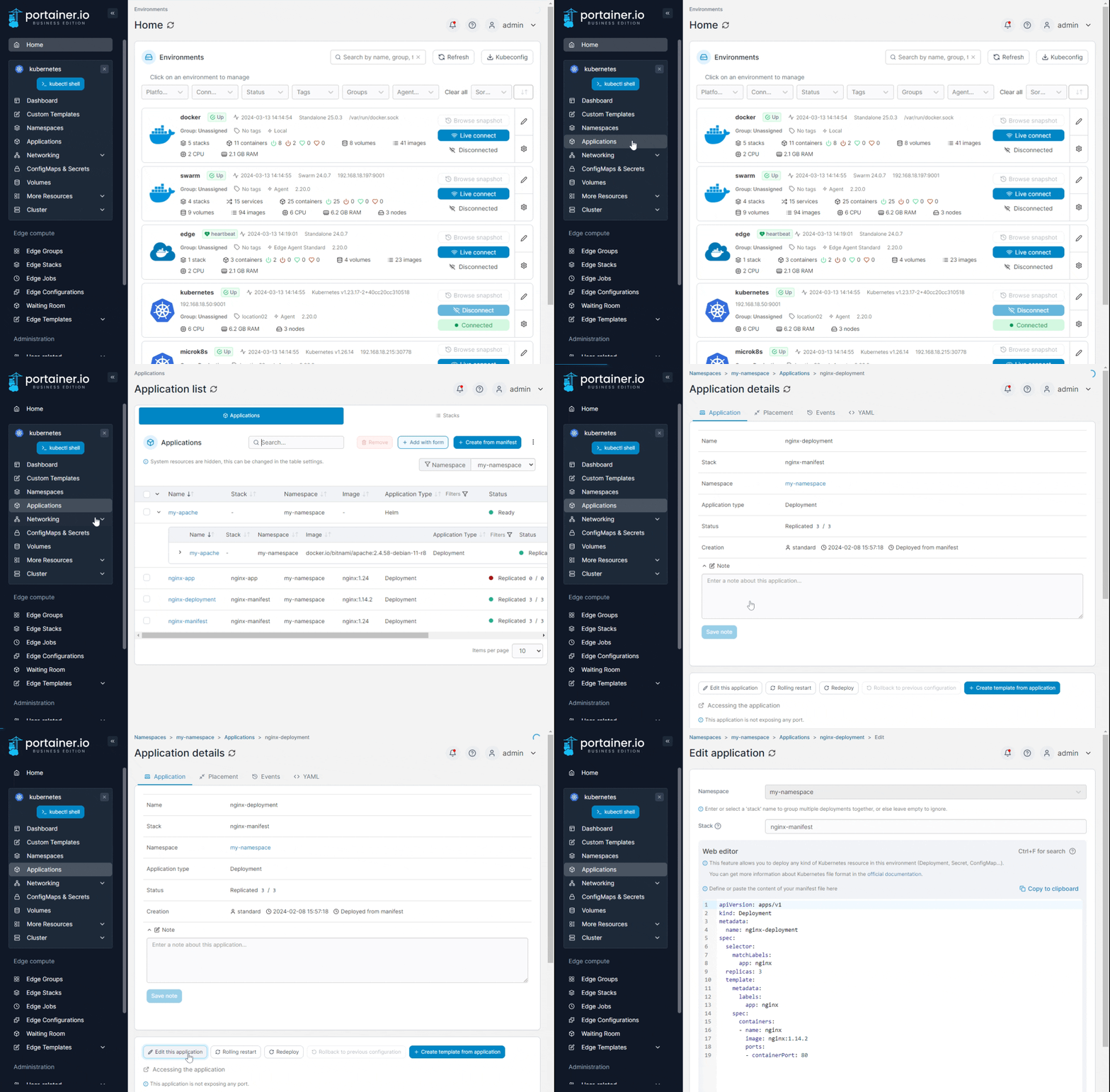
From the menu select **Applications**, select the application then click **Edit this application**.
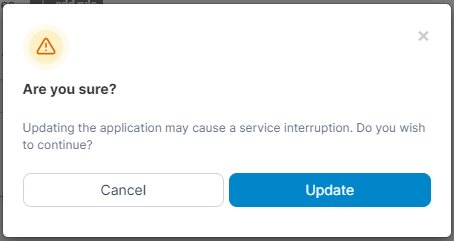
Scroll down to the **Persisting data** section and click the trash can icon to the right of the volume. Scroll down and click **Update application**. When the confirmation message appears, click **Update**.