> For the complete documentation index, see [llms.txt](https://docs.portainer.io/llms.txt). Markdown versions of documentation pages are available by appending `.md` to page URLs; this page is available as [Markdown](https://docs.portainer.io/user/edge/stacks.md).
# Edge Stacks
Edge Stacks is a feature that lets you deploy applications to multiple environments from a single page, regardless of their current state.
{% hint style="info" %}
This functionality requires you to [enable Edge Compute](/admin/settings/edge.md) features.
{% endhint %}
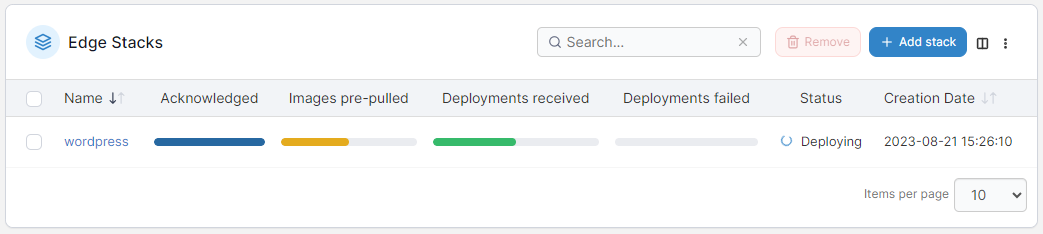
The Edge Stacks page displays a list of Edge Stacks deployed across your environments and devices and includes their name, the status of the deployment across the relevant environments (acknowledged, images pre-pulled, deployments received and failed, as well as a generic status) and the creation date. You can hover over each of the bars for more detail.
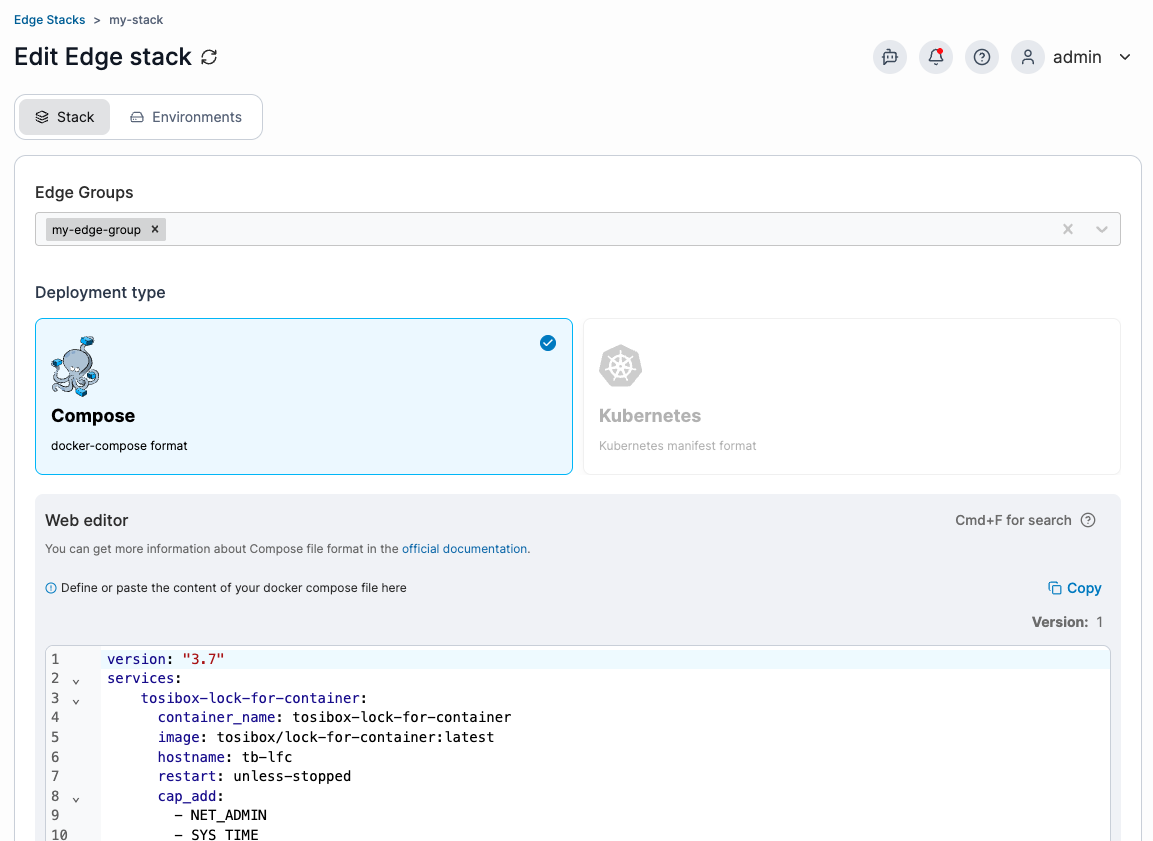
You can click on an individual stack's name to view the stack's details or edit the stack. Details you can edit depend on how your stack was deployed, details on configuration can be found under [add a new Edge stack](/user/edge/stacks/add.md).
{% hint style="info" %}
Note that **Enable relative path volumes** and **GitOps Edge configurations** options are read-only when editing an existing stack - they can only be configured at creation time. If you need to change either setting, delete and recreate the stack with the desired configuration.
{% endhint %}
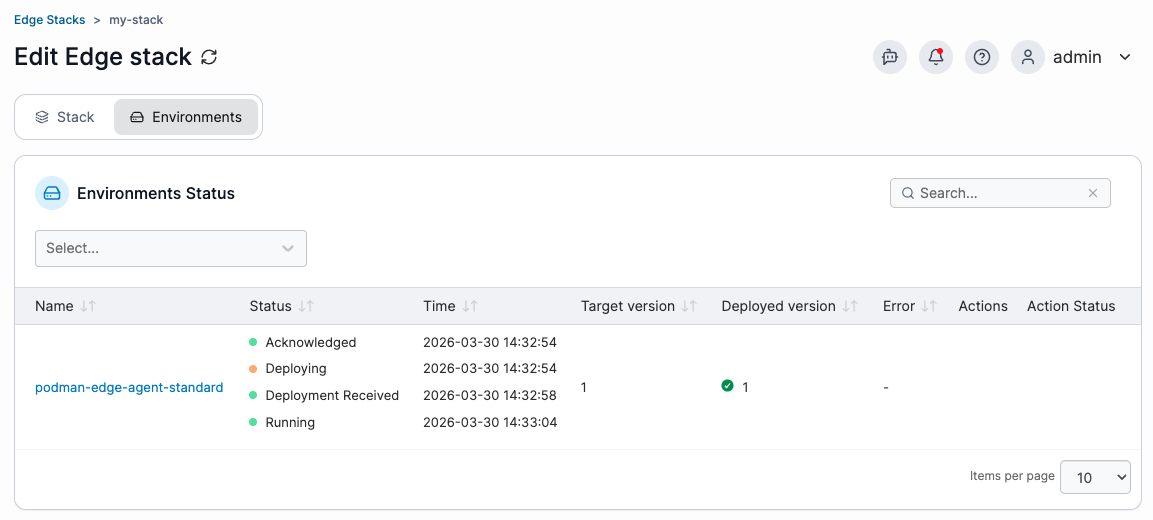
You can also view details about the stack's deployment across environments on the **Environments** tab. If available, log controls for individual edge environments appear in the **Actions** column on each row.