> For the complete documentation index, see [llms.txt](https://docs.portainer.io/llms.txt). Markdown versions of documentation pages are available by appending `.md` to page URLs; this page is available as [Markdown](https://docs.portainer.io/user/docker/images/export.md).
# Export an image
You can export any Docker image stored on any node. This is useful when you need to move a container from one host to another, or simply make a backup of the images.
{% hint style="warning" %}
If you export a container to a tar file, the volumes won't get exported with it. You will need to save the data from those volumes using a different method.
{% endhint %}
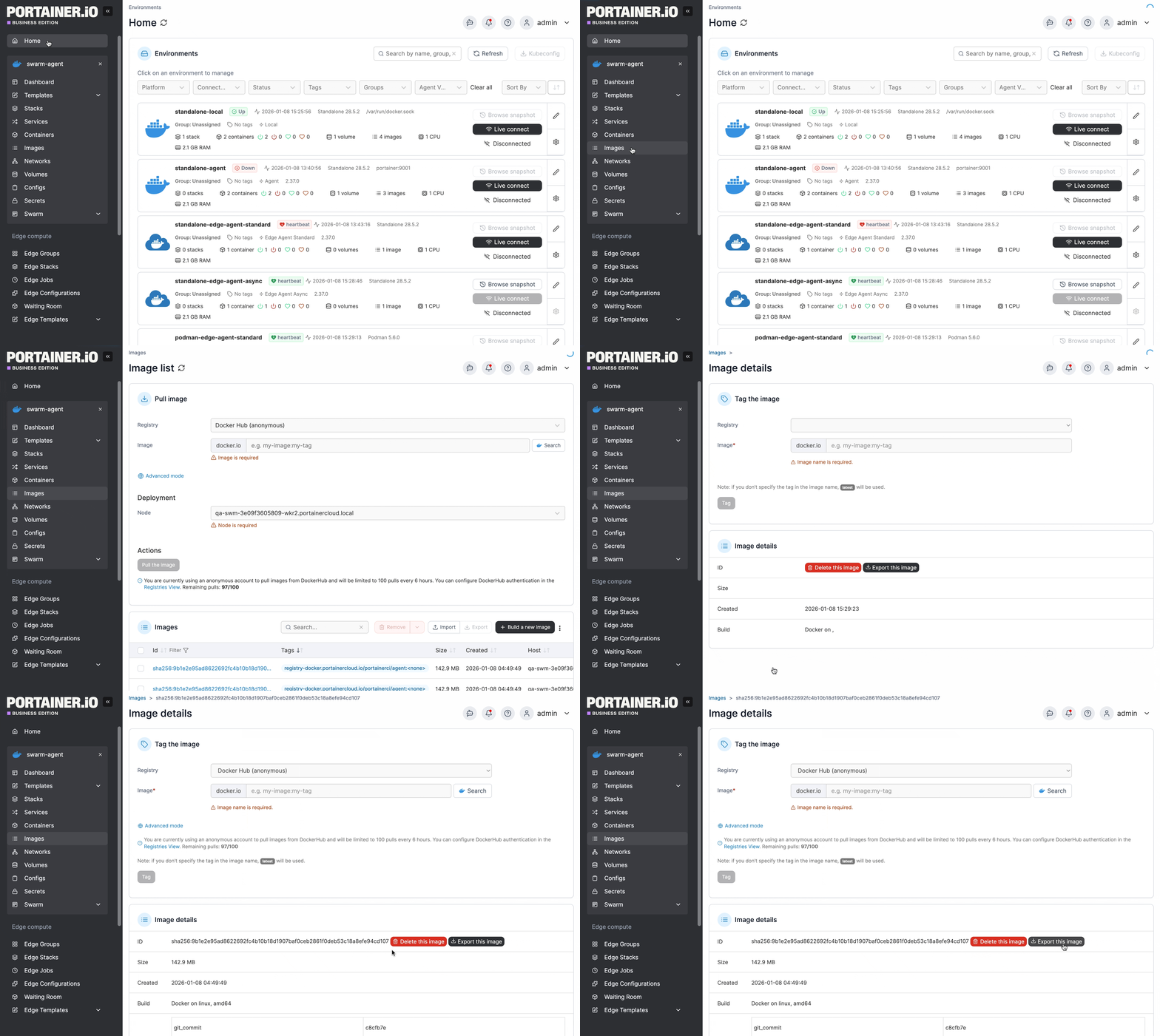
From the menu select **Images**, select the image you want to export then click **Export this image**.
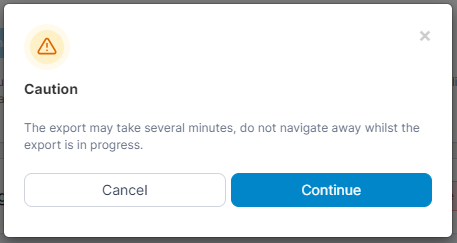
When the warning message appears, click **Continue**.
When the image has downloaded, a success message will appear, and your browser should automatically download the resulting tar file.