> For the complete documentation index, see [llms.txt](https://docs.portainer.io/llms.txt). Markdown versions of documentation pages are available by appending `.md` to page URLs; this page is available as [Markdown](https://docs.portainer.io/user/docker/host/registries.md).
# Registries
{% hint style="warning" %}
If access to an environment is being managed by a Docker registry [policy](/admin/environments/policies.md), access can not be changed or modified from this view as the policy access takes precedence.
{% endhint %}
{% hint style="warning" %}
Registry access assigned here only applies to the selected environment. It is not global.
{% endhint %}
This view lets you manage access to each of the registries that are currently available.
## Adding a new registry
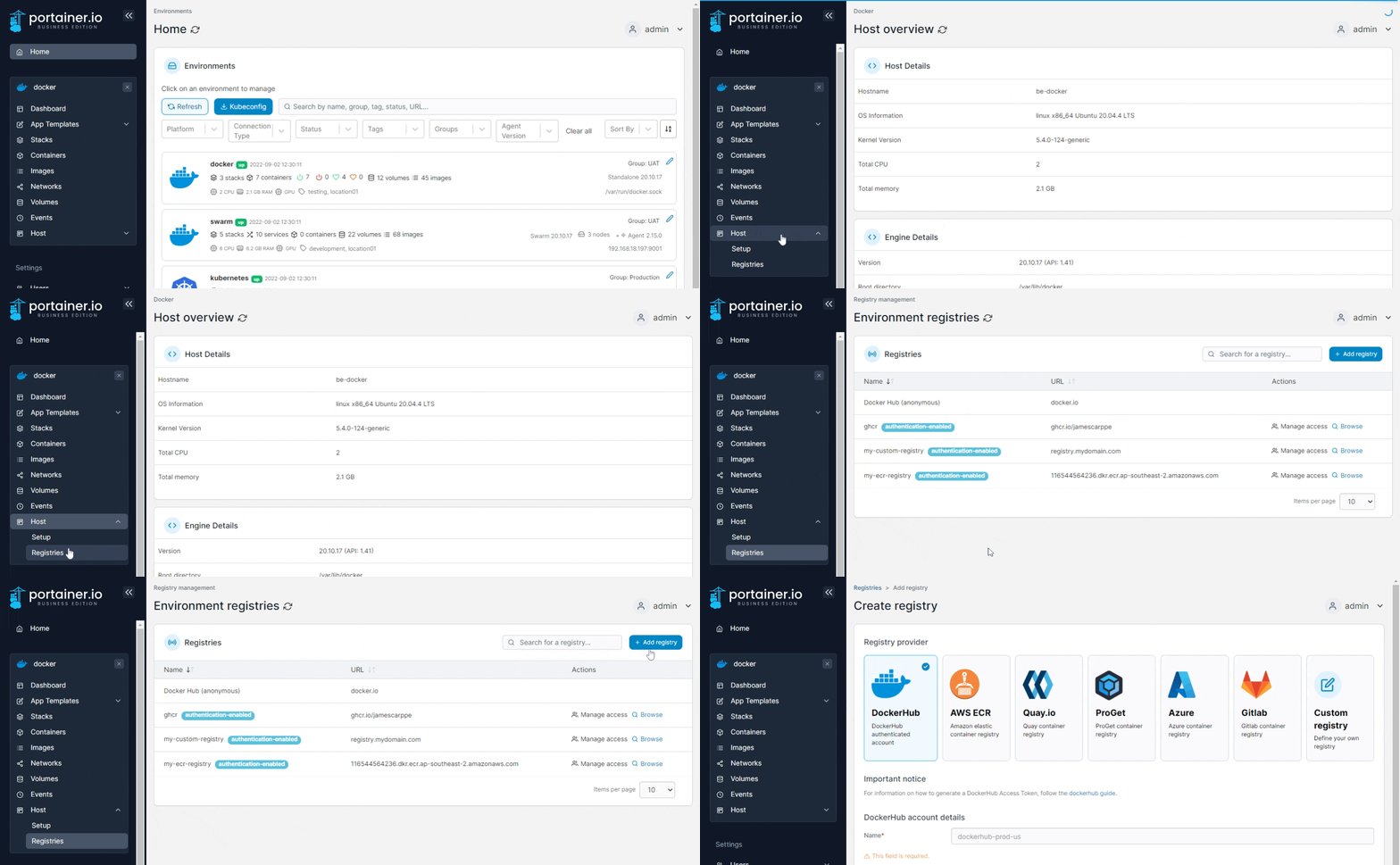
From the menu select **Host**, select **Registries** then click **Add registry**. When the global registries page appears, follow [these instructions](/admin/registries/add.md).
## Managing access
{% hint style="warning" %}
If access to a registry is being managed by a registry [policy](/admin/environments/policies.md), access can not be changed or modified from this view as the policy access takes precedence.
{% endhint %}
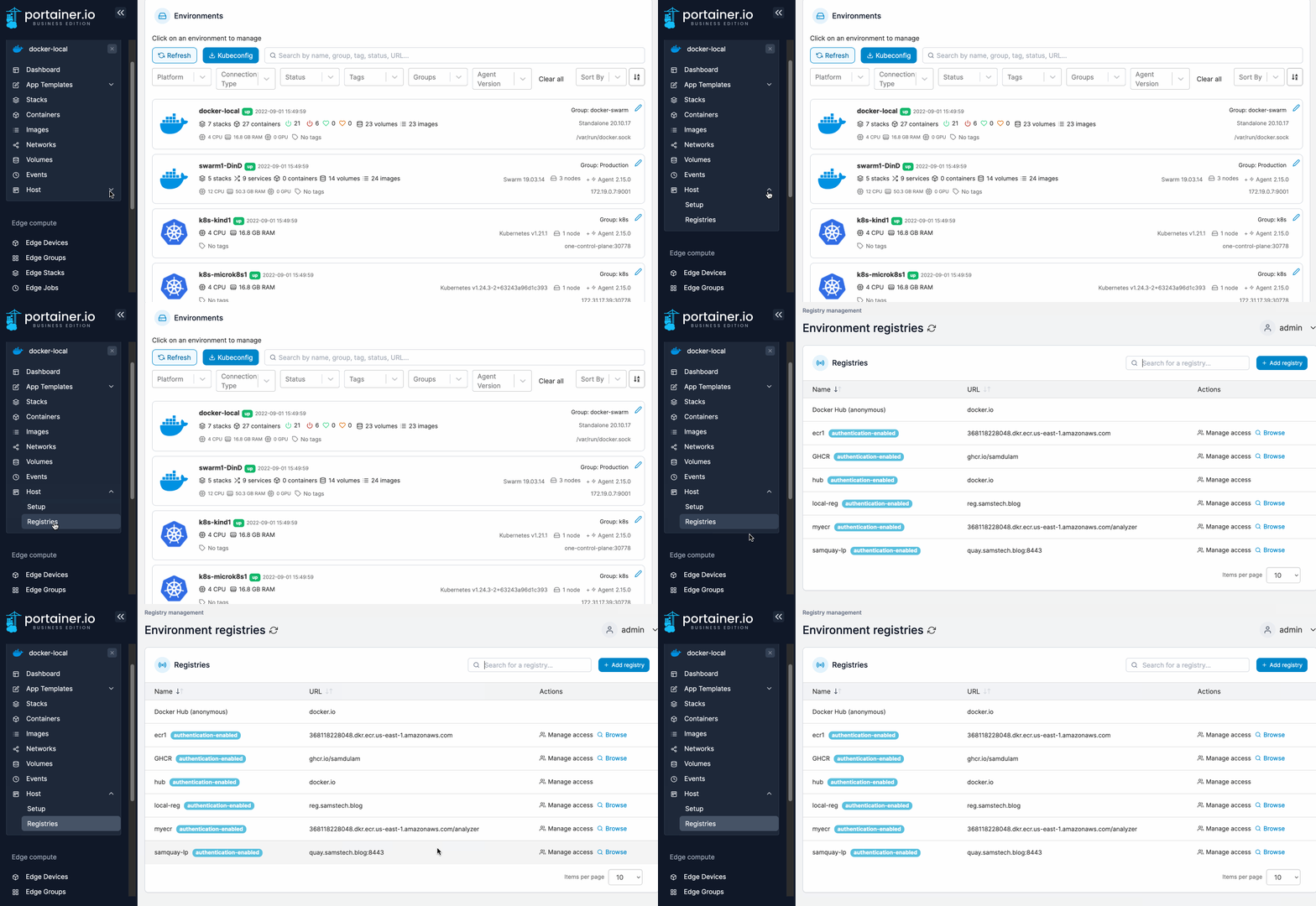
To configure access to a registry, from the menu select **Host** then select **Registries**.
Find the registry you want to manage then select **Manage access**.
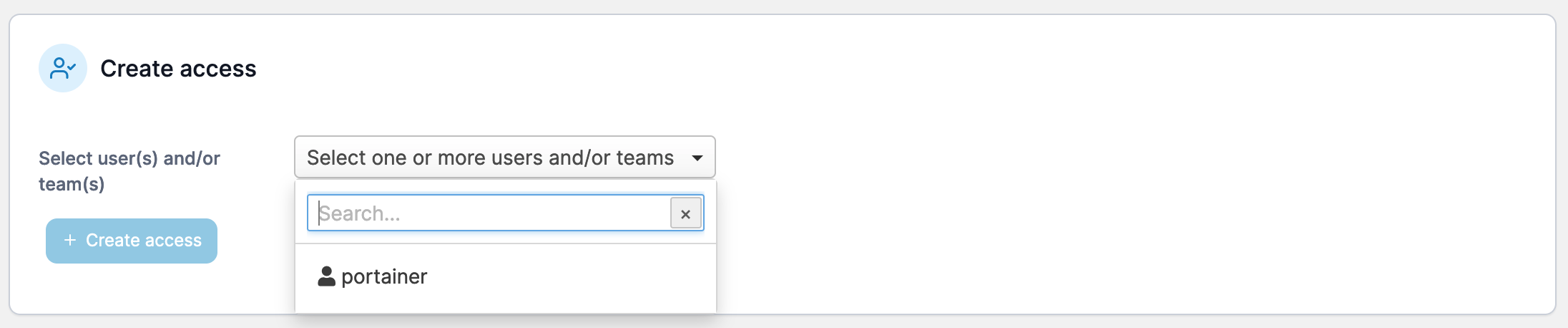
From the dropdown, select the users or teams that you would like to have access, then click **Create access**.