> For the complete documentation index, see [llms.txt](https://docs.portainer.io/llms.txt). Markdown versions of documentation pages are available by appending `.md` to page URLs; this page is available as [Markdown](https://docs.portainer.io/user/docker/containers/ownership.md).
# Change container ownership
Portainer allows you to limit container management to specific teams or users.
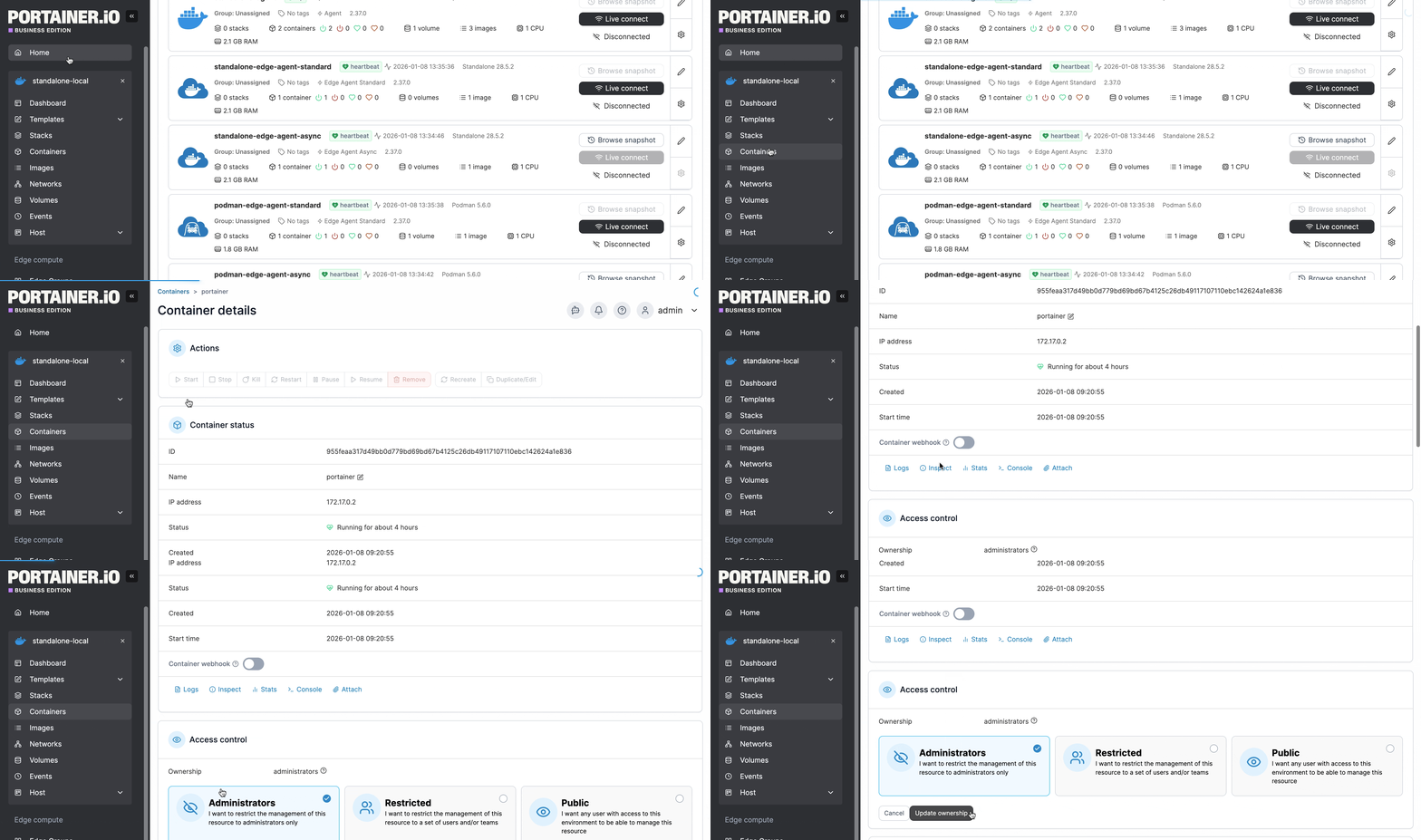
From the menu select **Containers** then select the container whose ownership you want to change.
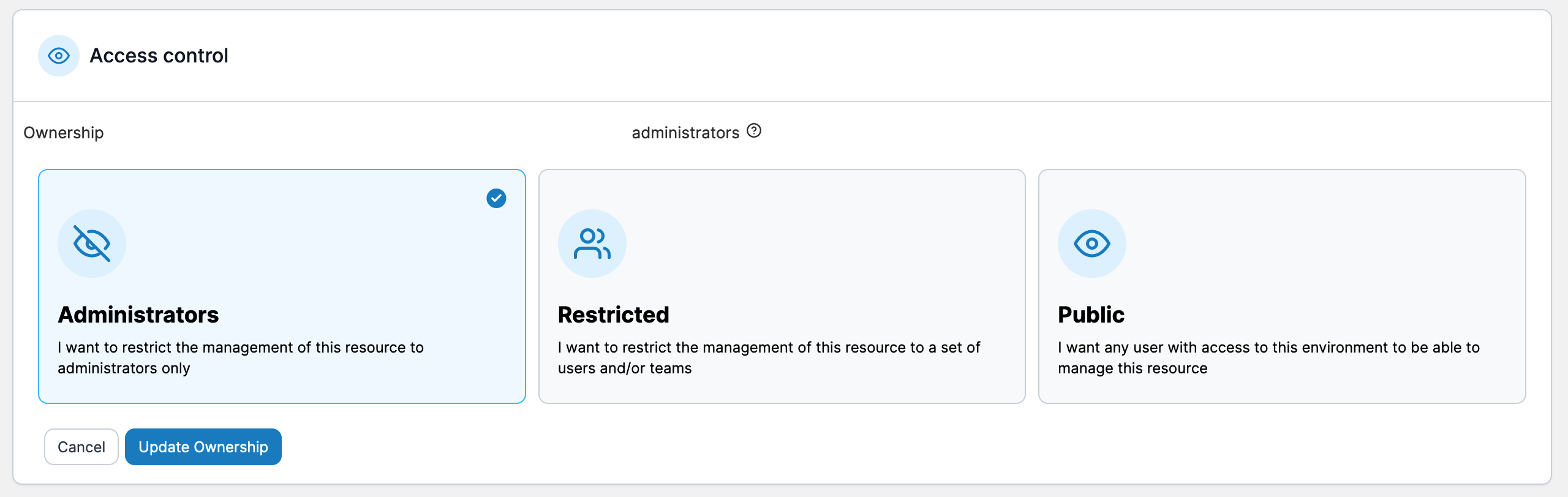
Under the **Access control** section tick the **Change ownership** checkbox then select the new ownership type, using the table below as a guide.
| Ownership Type | Overview |
| -------------- | ----------------------------------------------------------------------------------------------------------------------- |
| Administrators | Only Portainer administrators can manage the container. |
| Restricted | Only teams or users you specify can manage the container. |
| Public | Anyone who has [access to the environment](/admin/environments/environments.md#manage-access) can manage the container. |
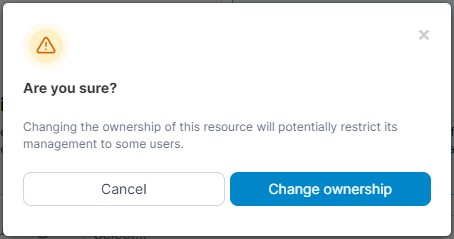
When you've made your selection, click **Update ownership**. When the confirmation message appears, click **Change ownership**.