> For the complete documentation index, see [llms.txt](https://docs.portainer.io/llms.txt). Markdown versions of documentation pages are available by appending `.md` to page URLs; this page is available as [Markdown](https://docs.portainer.io/admin/user/promote.md).
# Turn a user into an administrator
From the menu expand **User-related** then select **Users**.
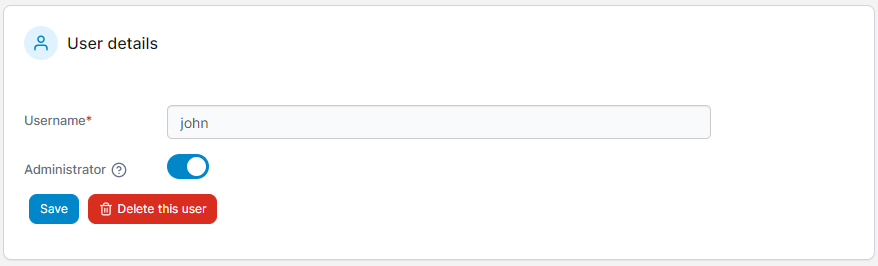
Click the username of the user you want to promote to administrator. Toggle **Administrator** on then click **Save**.