> For the complete documentation index, see [llms.txt](https://docs.portainer.io/llms.txt). Markdown versions of documentation pages are available by appending `.md` to page URLs; this page is available as [Markdown](https://docs.portainer.io/admin/logs/activity.md).
# Activity
Within the Portainer Business Edition UI you can view a log of all actions taken through Portainer, including actions via `kubectl exec`, container exec, node shell and pod-exec websocket sessions. The log is read-only and cannot be edited.
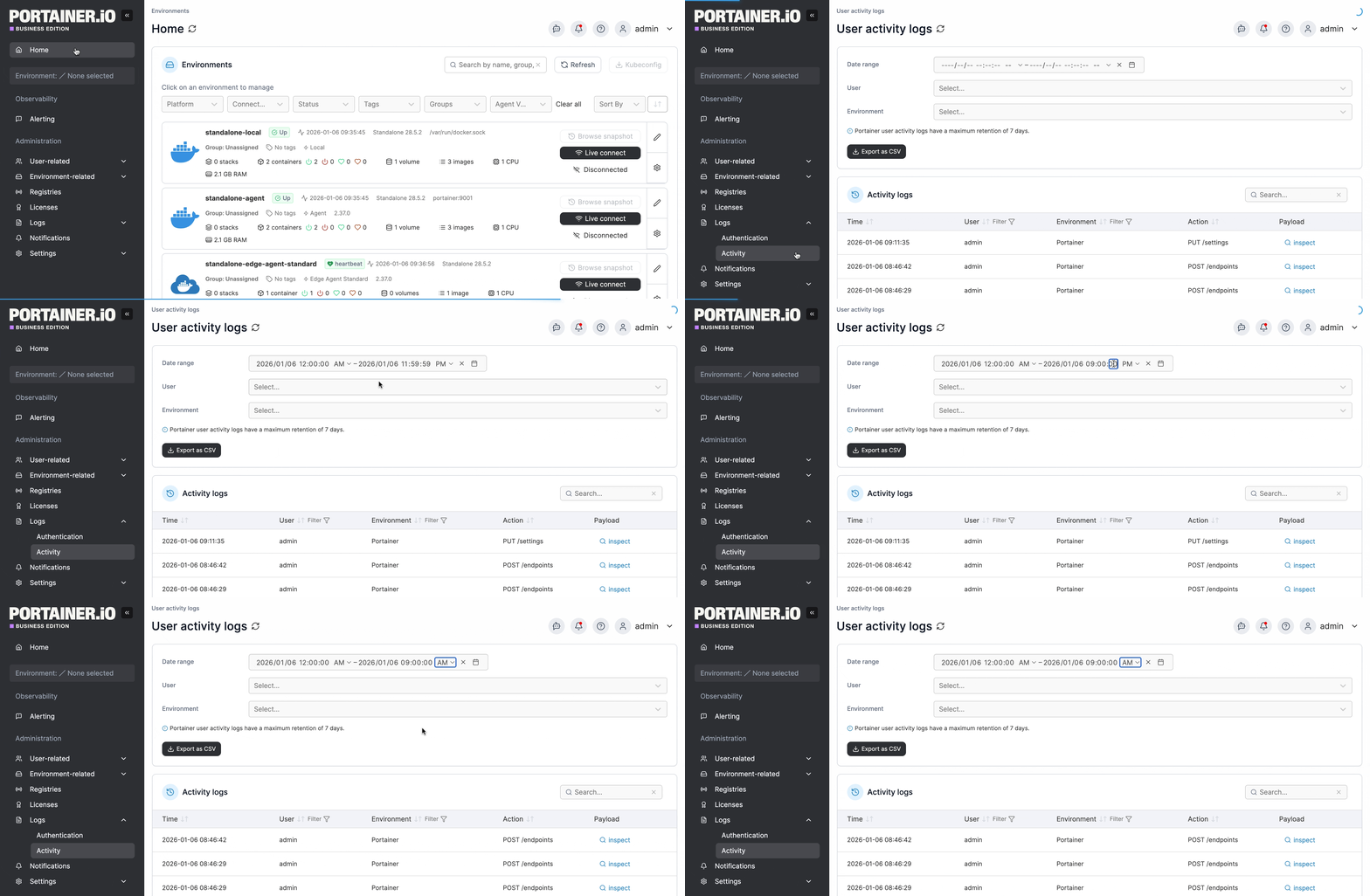
From the menu expand **Logs** then select **Activity**.
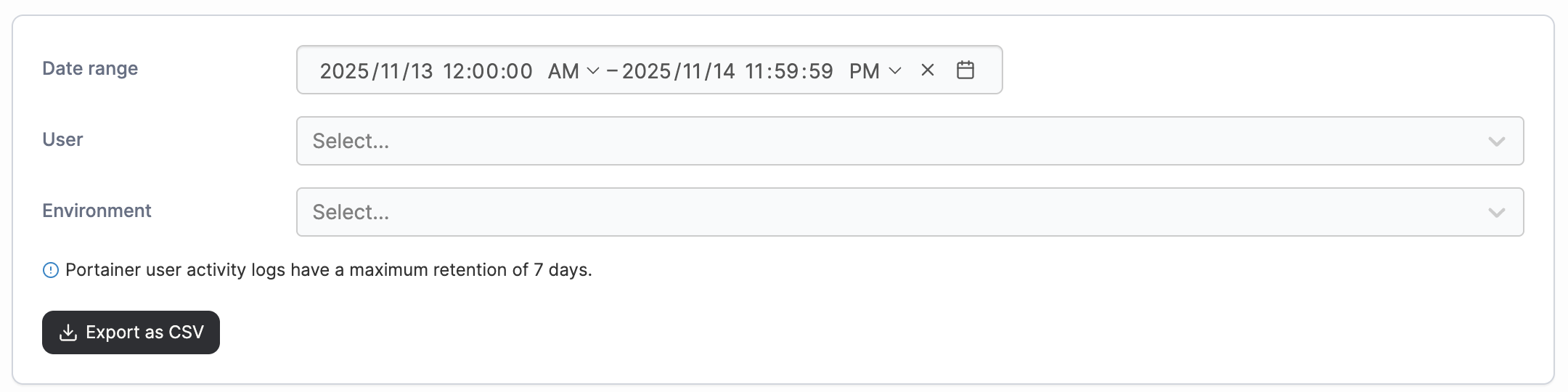
To filter the logs, select the date range you want to view. You can further narrow the results by adjusting the time fields within the date range, or by filtering on a specific user or environment. Once these filters are added, the activity logs will update automatically. You can download the filtered logs by clicking **Export as CSV**.
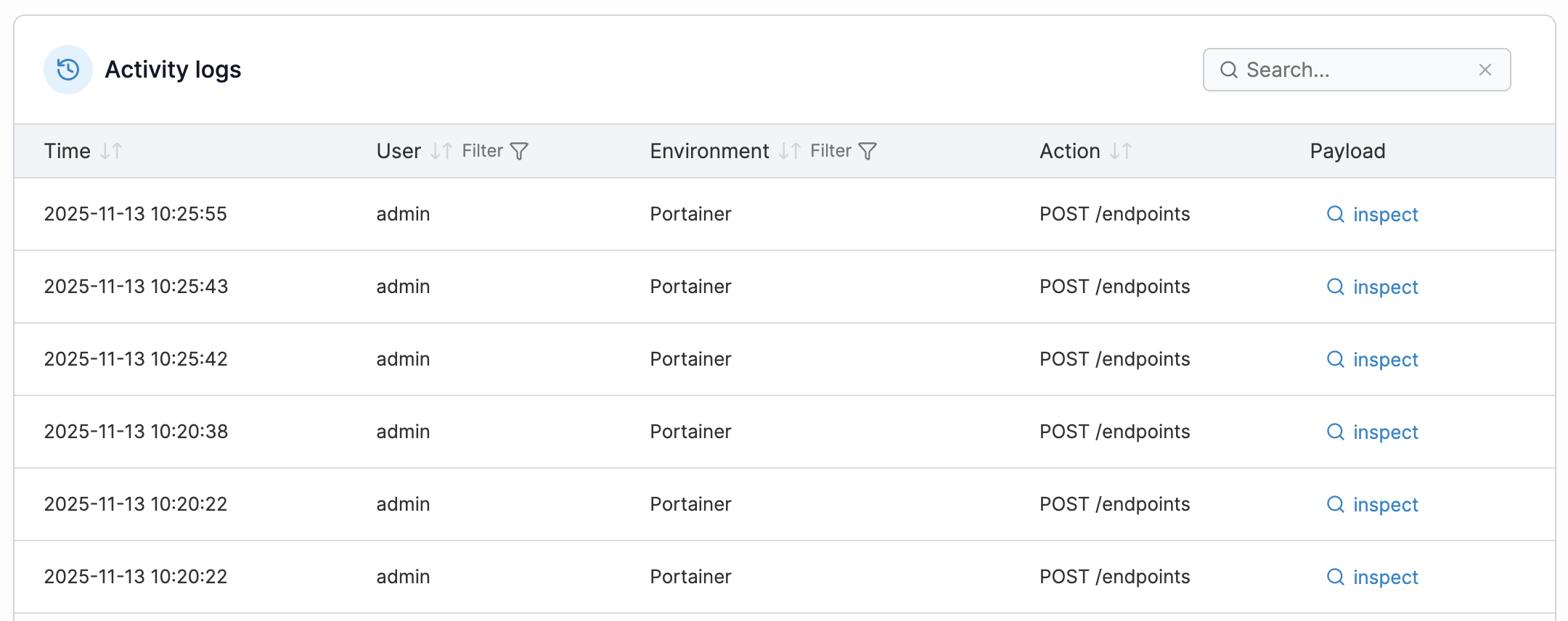
Activity logs are searchable, and the date and time, user, endpoint, and action are provided for each.
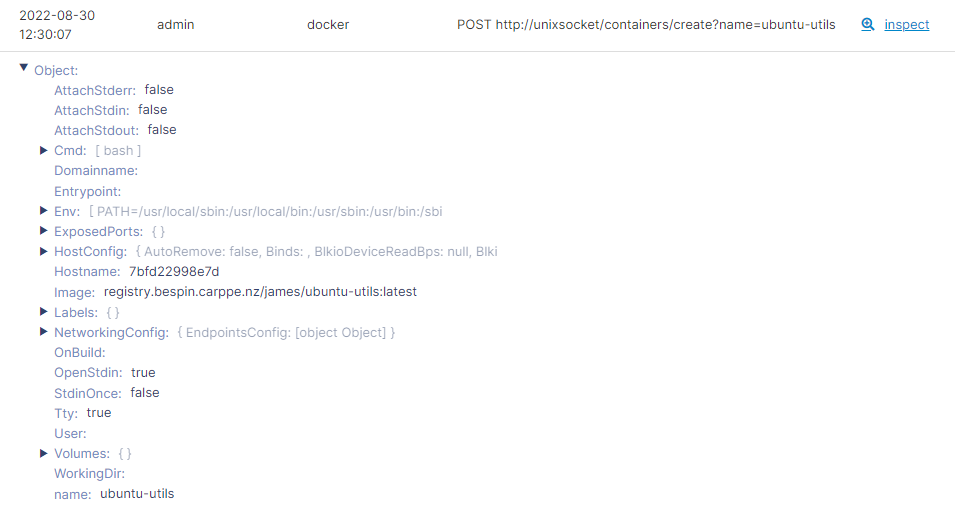
You can also click **inspect** to inspect the activity's payload.