

Remove a stack
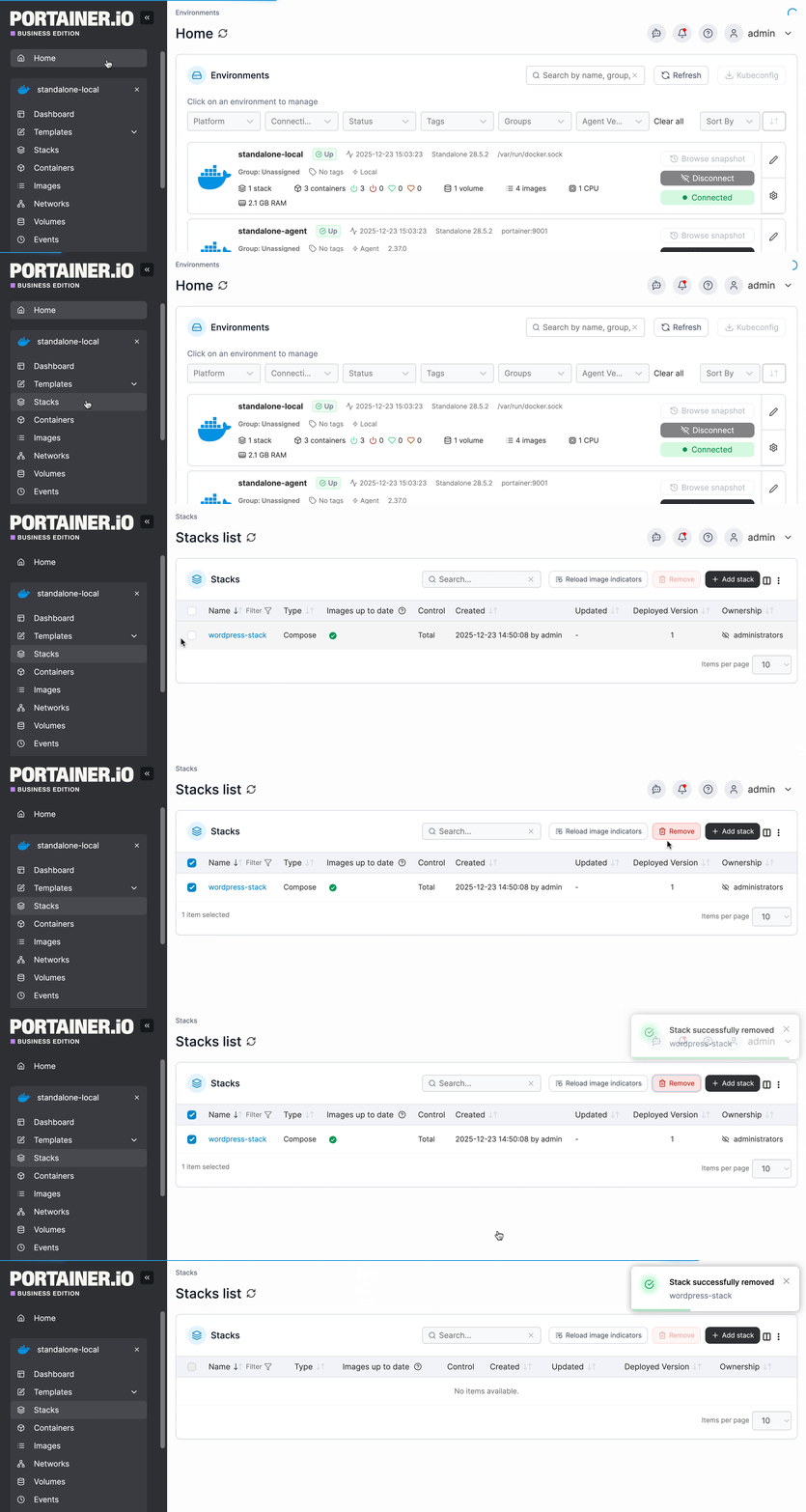
From the menu select Stacks, tick the checkbox next to the stack you want to remove, then click Remove.
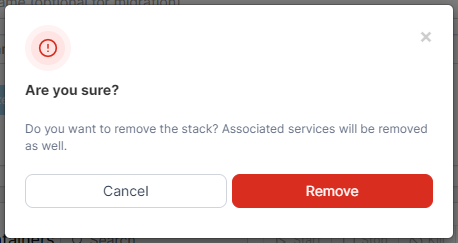
When the confirmation message appears, click Remove.
Last updated
Was this helpful?
From the menu select Stacks, tick the checkbox next to the stack you want to remove, then click Remove.
When the confirmation message appears, click Remove.
Last updated
Was this helpful?
Was this helpful?