> For the complete documentation index, see [llms.txt](https://docs.portainer.io/llms.txt). Markdown versions of documentation pages are available by appending `.md` to page URLs; this page is available as [Markdown](https://docs.portainer.io/portainer-documentation/3.0-sts/user/kubernetes/volumes/inspect.md).
# Inspect and edit a volume
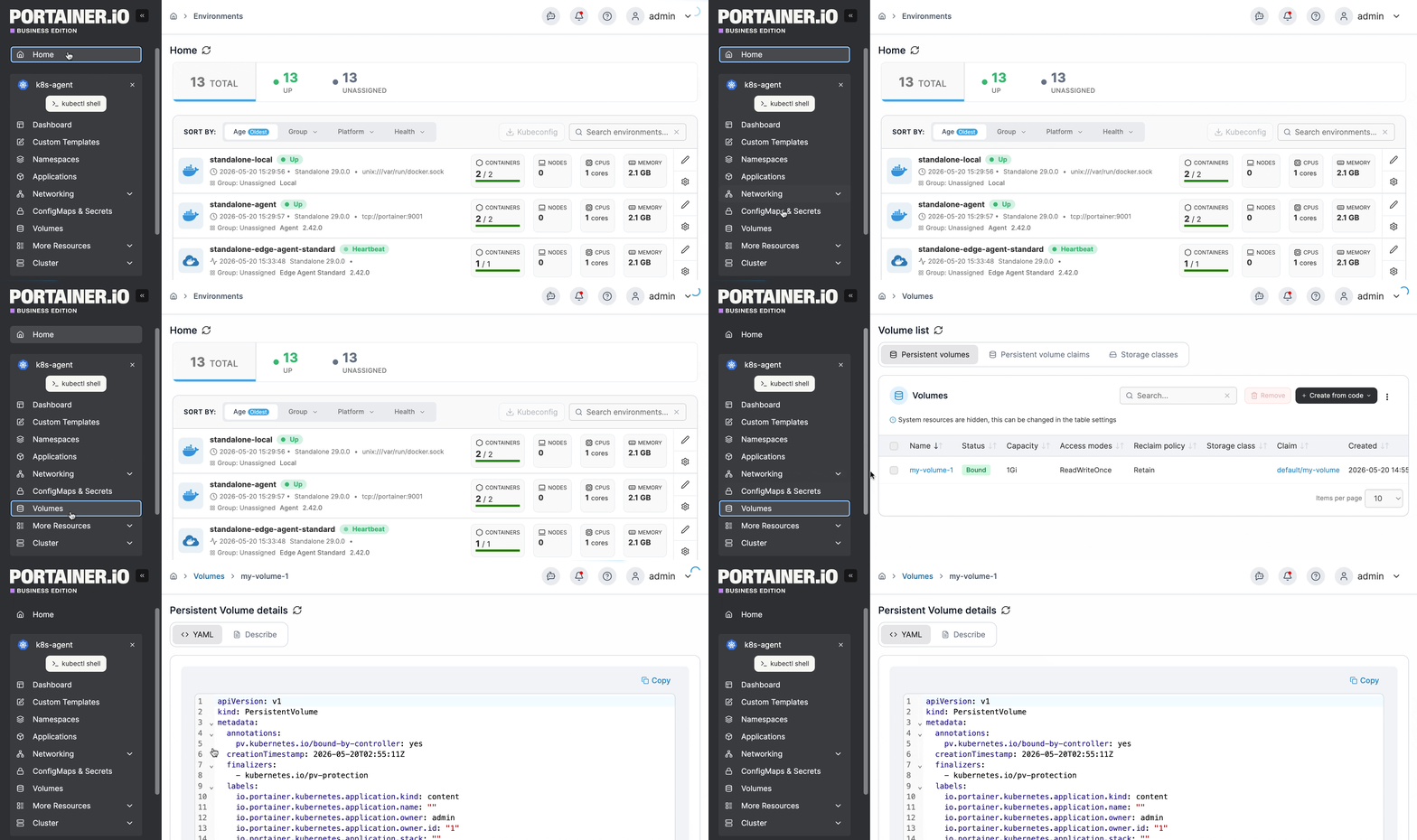
From the menu, select **Volumes**, then select the persistent volume, persistent volume claim, or storage class you want to inspect.
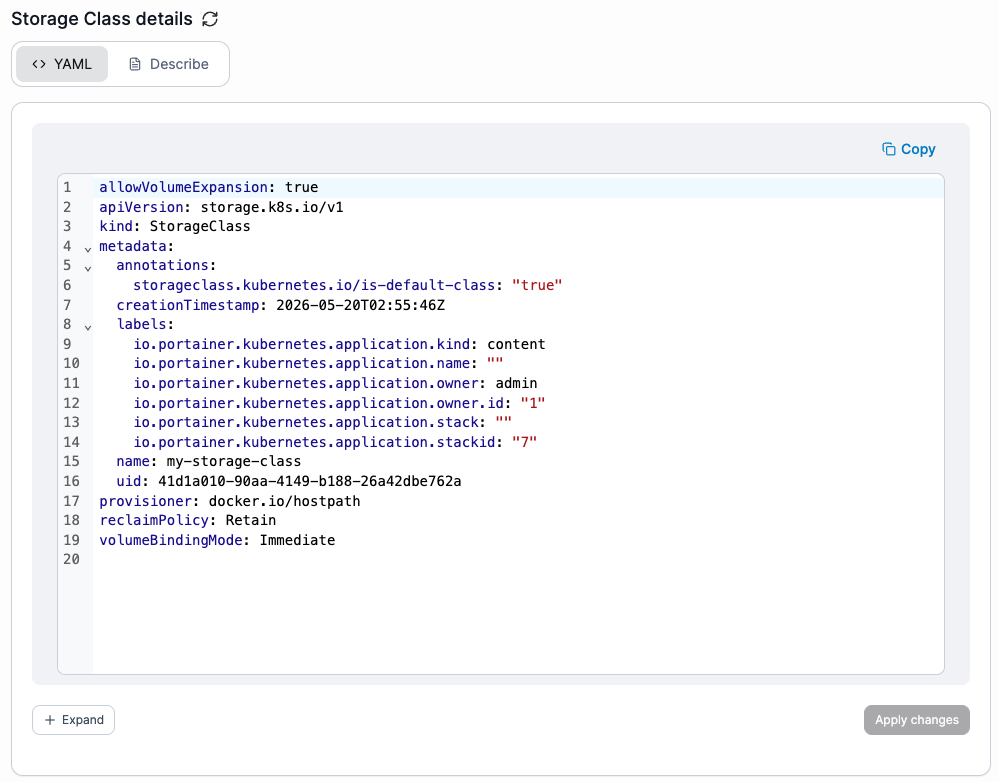
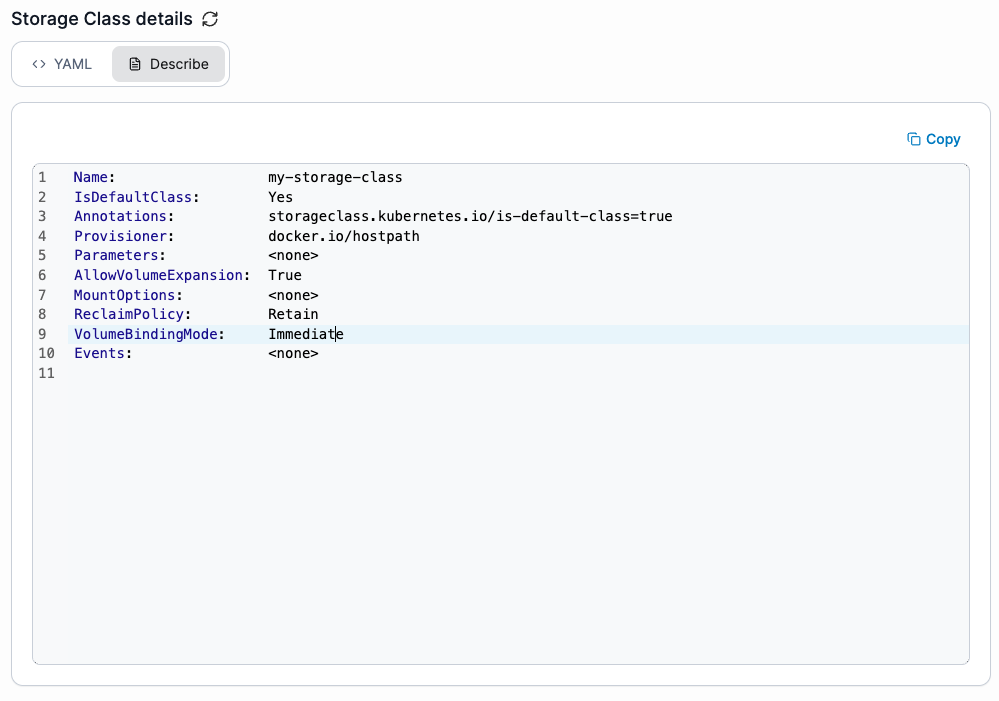
The details view displays the YAML and description of the volume.
## YAML
Displays the YAML generated from the application deployment and lets you edit it directly. Changes made here are applied using the Kubernetes `patch` mechanism.
## Describe
Displays the raw description of the volume.