> For the complete documentation index, see [llms.txt](https://docs.portainer.io/llms.txt). Markdown versions of documentation pages are available by appending `.md` to page URLs; this page is available as [Markdown](https://docs.portainer.io/portainer-documentation/3.0-sts/admin/user/password.md).
# Reset a user's password
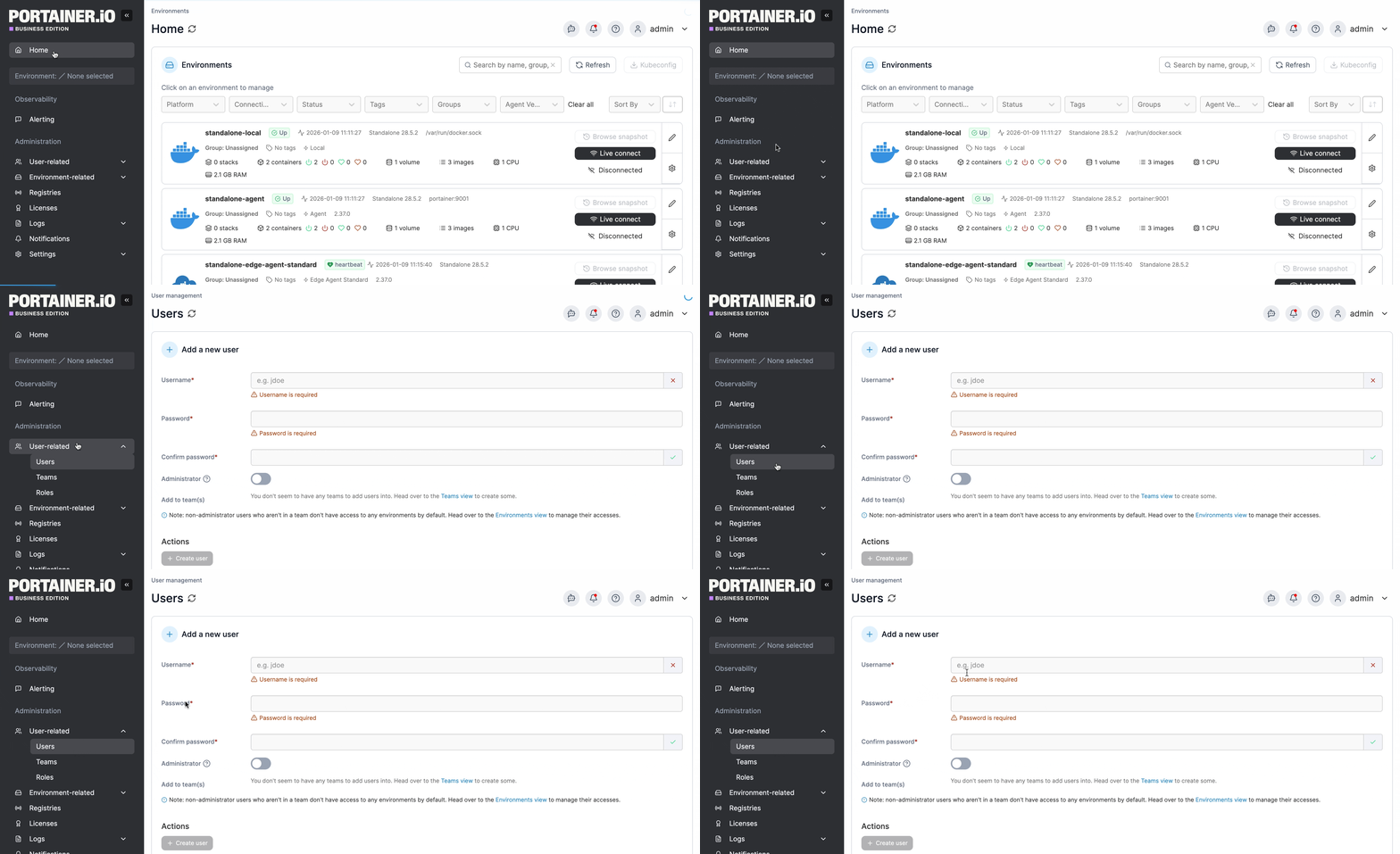
From the menu expand **User-related** then select **Users**.
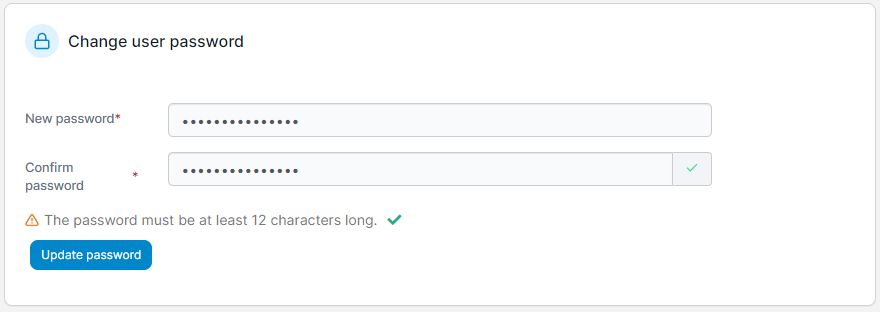
Click the username of the user whose password you want to reset. In the **Change user password** section, enter a new strong password, re-enter the password to confirm it then click **Update password**.