> For the complete documentation index, see [llms.txt](https://docs.portainer.io/llms.txt). Markdown versions of documentation pages are available by appending `.md` to page URLs; this page is available as [Markdown](https://docs.portainer.io/portainer-documentation/3.0-sts/admin/settings/credentials.md).
# Shared credentials
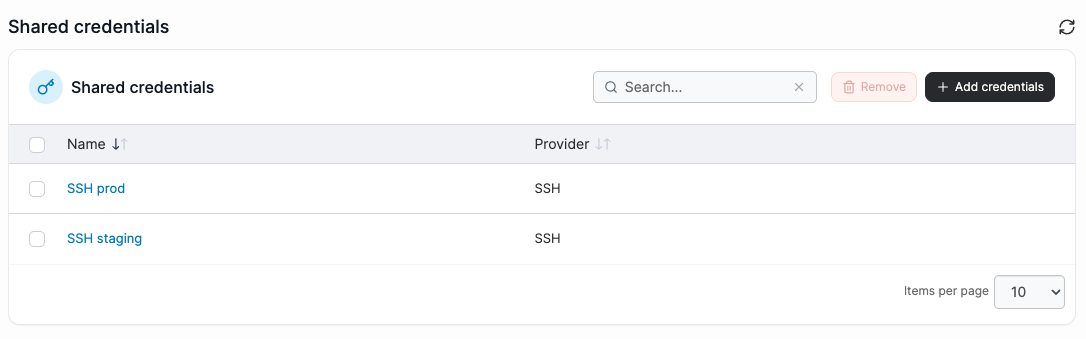
In this section you can create and manage credentials that are shared at admin level.
To add a new set of credentials, click the **Add credentials** button.
Portainer currently supports the following credential types:
* [Sidero Omni](/portainer-documentation/3.0-sts/admin/settings/credentials/omni.md)
* [SSH](/portainer-documentation/3.0-sts/admin/settings/credentials/ssh.md) (for use with Kubernetes cluster deployments)
* [Git](/portainer-documentation/3.0-sts/admin/settings/credentials/git.md)
To remove a set of credentials, check the box next to the credentials to remove and click **Remove**.