> For the complete documentation index, see [llms.txt](https://docs.portainer.io/llms.txt). Markdown versions of documentation pages are available by appending `.md` to page URLs; this page is available as [Markdown](https://docs.portainer.io/2.39-lts/user/aci/containers/details.md).
# View container details
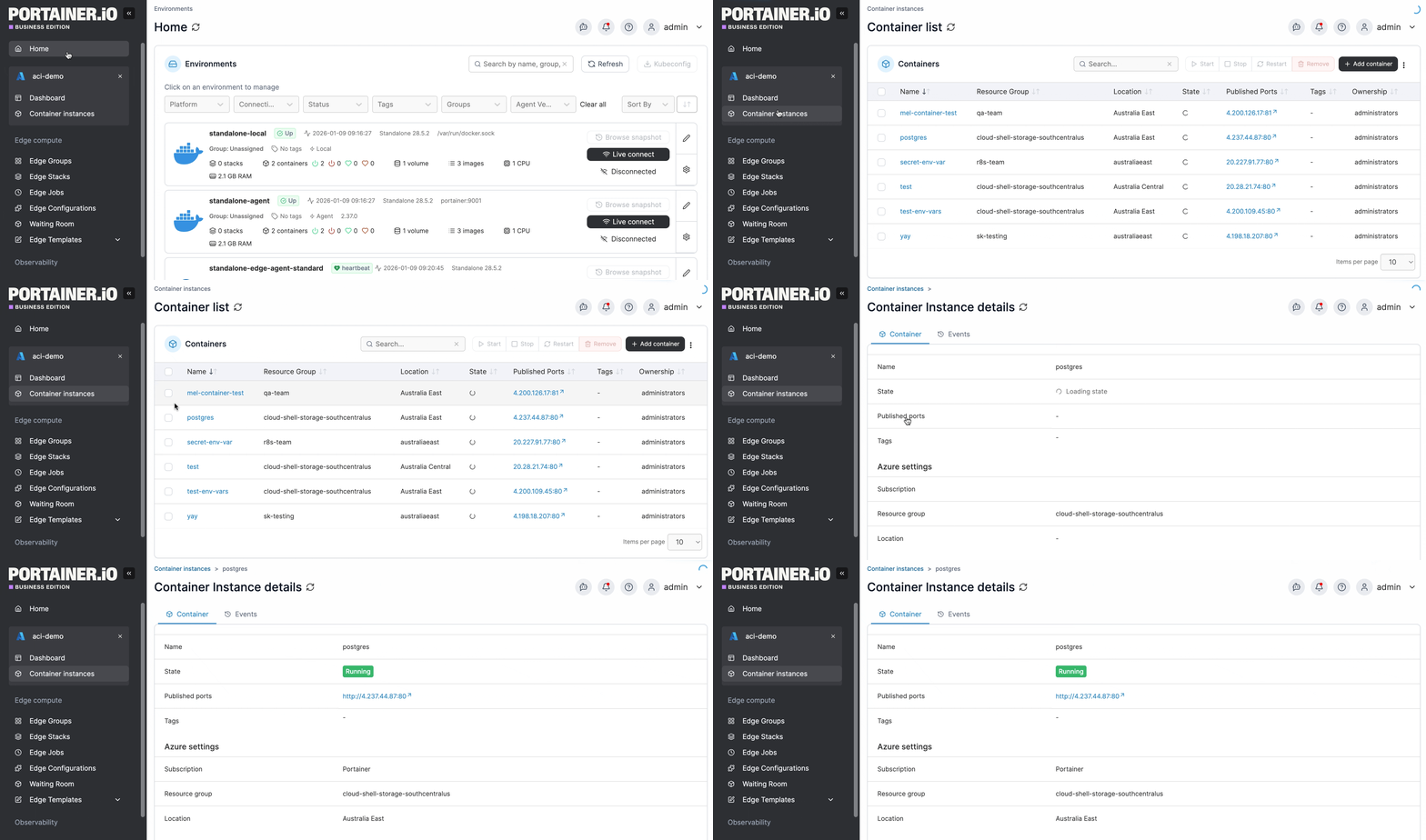
To view the details of an existing container, from the **Container instances** list click the container's name.
### Container
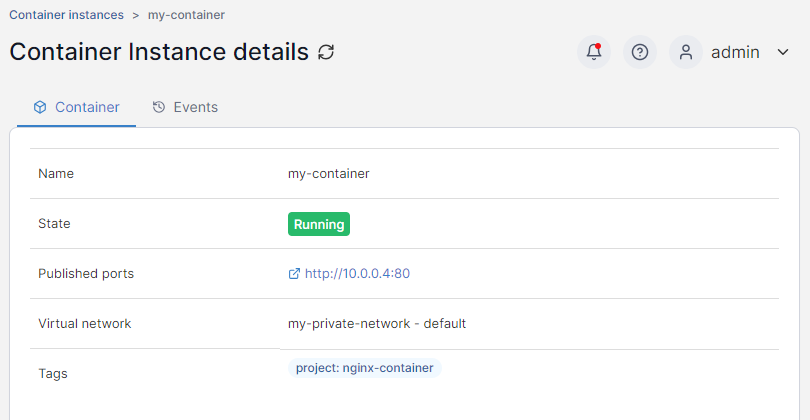
The Container Instance details page displays information about the selected container under the **Container** tab.
### Events
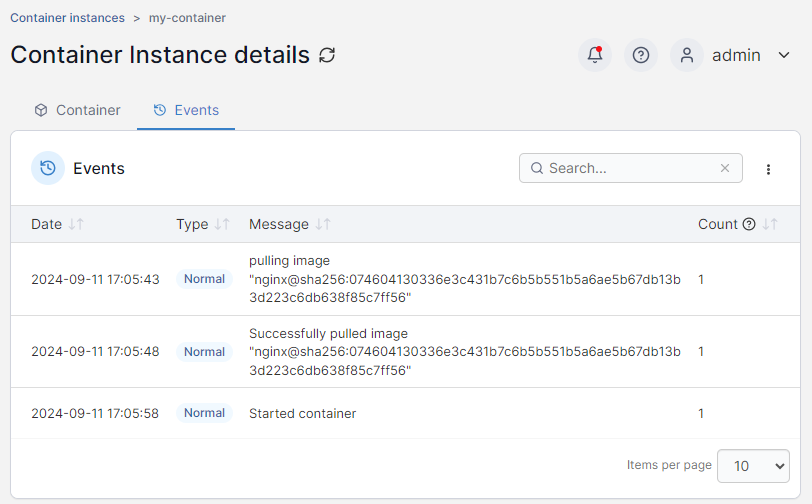
You can view past events in the container's lifecycle in the **Events** tab.
Events can be sorted by date, type, message and count (the number of times the event has fired) and can be filtered from the search box.
### Actions
From this section you can start, stop, restart or remove your container.
### Access control
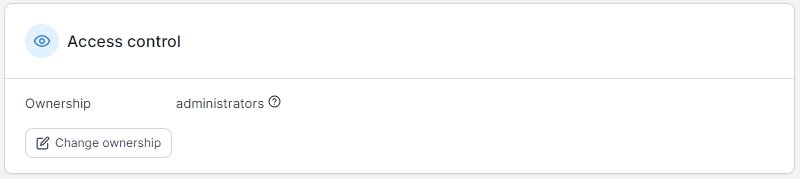
This section shows the current ownership and access for the container and allows you to change it.