# Custom templates
A custom template can be used to help streamline the deployment of a container or stack.
{% hint style="info" %}
You can also [create a template from an existing deployed stack](https://docs.portainer.io/2.33-lts/user/docker/stacks/template).
{% endhint %}
## Viewing the list of custom templates
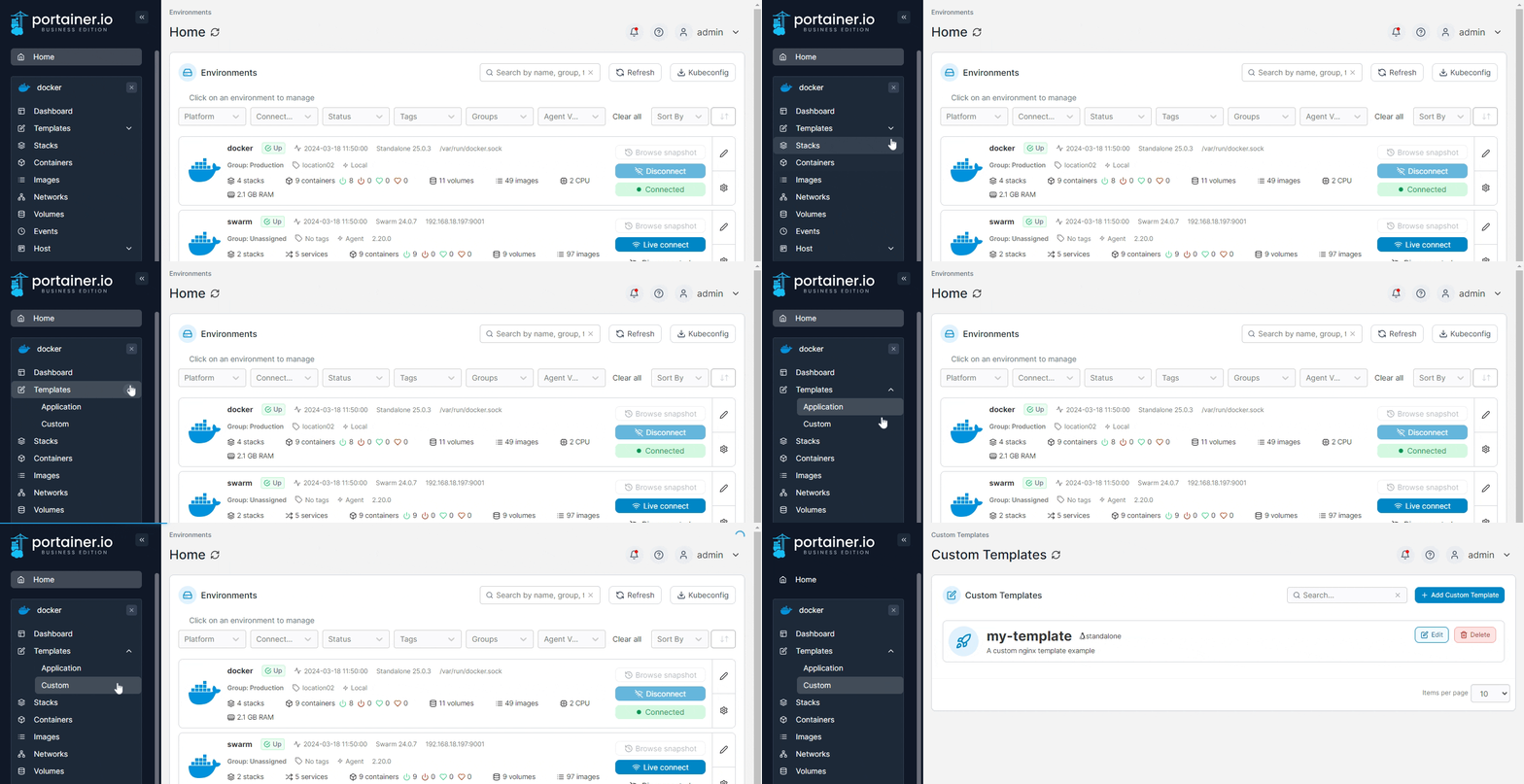
To view a list of custom templates, from the menu expand **Templates** then select **Custom**.
## Creating a new custom template
### Entering the basic information
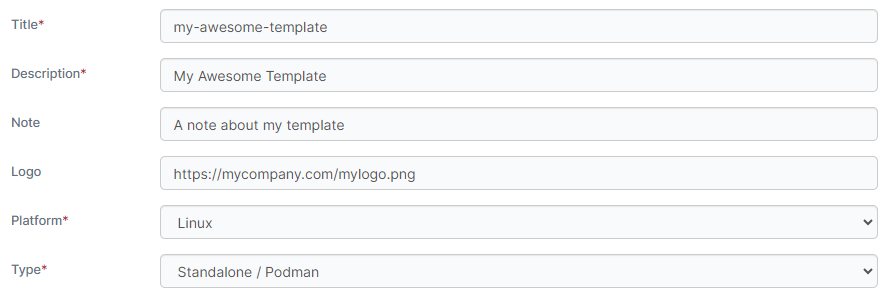
Click **Add Custom Template** then complete the details, using the table below as a guide.
| Field/Option | Overview |
| ------------ | ------------------------------------------------------------------------------------------- |
| Title | Give the template a descriptive name. |
| Description | Enter a brief description of what your template includes. |
| Note | Note any extra information about the template (optional). |
| Logo | Enter the URL to a logo to be used for the template when it appears in the list (optional). |
| Platform | Select the compatible platform for the template. Options are **Linux** or **Windows**. |
| Type | Select the type of template. Options are **Standalone / Podman** or **Swarm**. |
### Selecting the build method
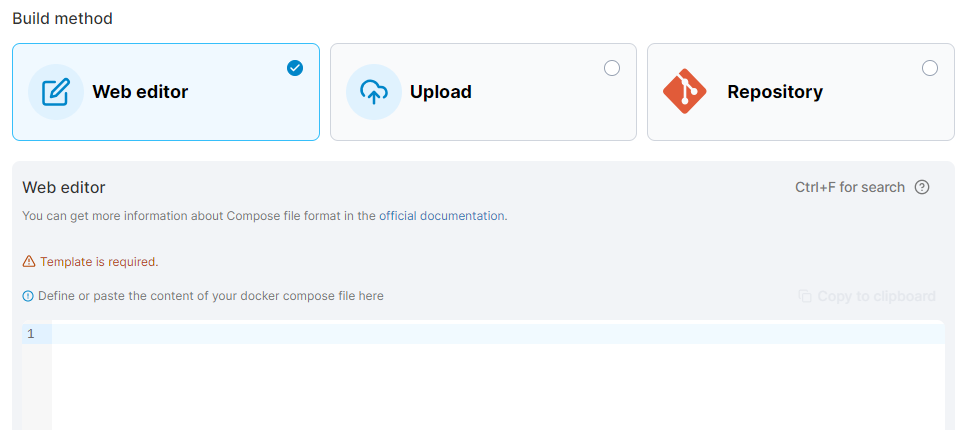
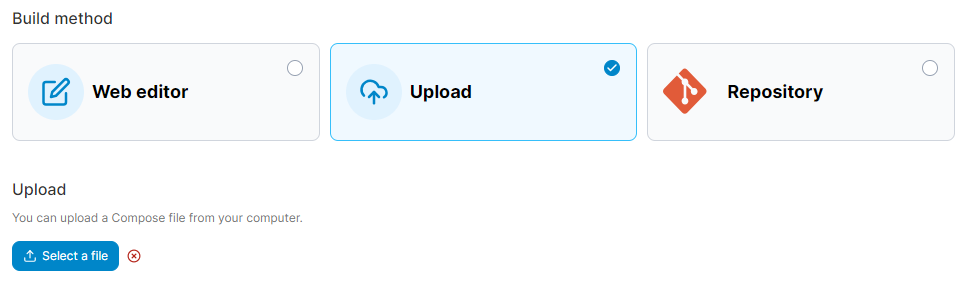
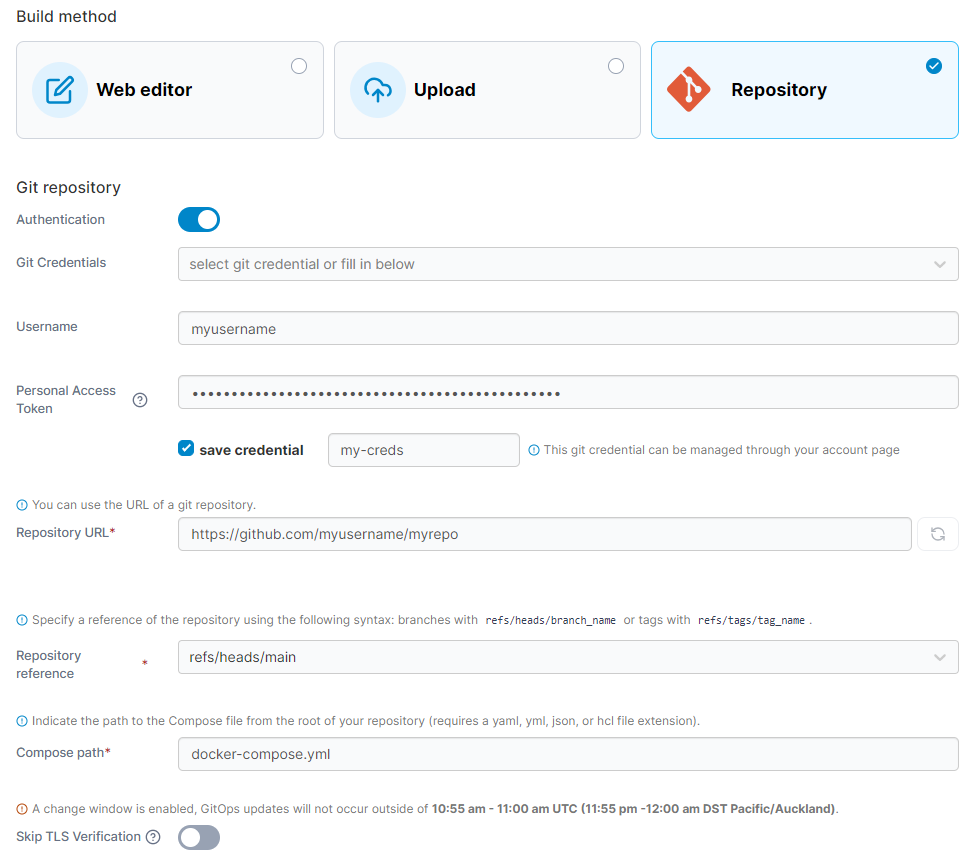
Next, choose the build method that suits your needs. You can use the web editor to manually enter your docker-compose file, upload a `docker-compose.yml` file from your local computer, or pull the compose file from a Git repository.
#### Web editor
Paste the contents of your docker-compose file into the box provided. Once all the details have been completed, click **Create custom template**.
{% hint style="info" %}
You can search within the web editor at any time by pressing `Ctrl-F` (or `Cmd-F` on Mac).
{% endhint %}
#### Upload
Click **Select file** to browse for a docker-compose file to upload. Once all the details have been completed, click **Create custom template**.
#### Git repository
Fill in the details for your Git repository.
| Field/Option | Overview |
| --------------------- | ------------------------------------------------------------------------------------------------------------------------------------------------------ |
| Authentication | Enable this if your Git repository requires authentication. |
| Git Credentials | When Authentication is enabled, either select a pre-saved Git credential set or leave unset to provide new credentials. |
| Username | When Authentication is enabled, enter your Git username. |
| Personal Access Token | When Authentication is enabled, enter your personal access token or password. |
| Save credential | When Authentication is enabled and you have provided new credentials, you can tick this box and enter a name to save those credentials for future use. |
| Repository URL | Enter the URL to your Git repository. |
| Repository reference | Select the repository reference to define the branch or tag to pull from. |
| Compose path | Enter the path within the repository to your docker-compose file. |
| Skip TLS Verification | Enable this option to skip verification of your Git repository's TLS certificate. |
When all the details have been entered, click **Create custom template**.
## Variables in templates
Custom templates support the use of variables to provide further customization of the deployed stack. A stack can define a variable that can then be adjusted by the user at deployment.
{% hint style="info" %}
This feature is only available in Portainer Business Edition.
{% endhint %}
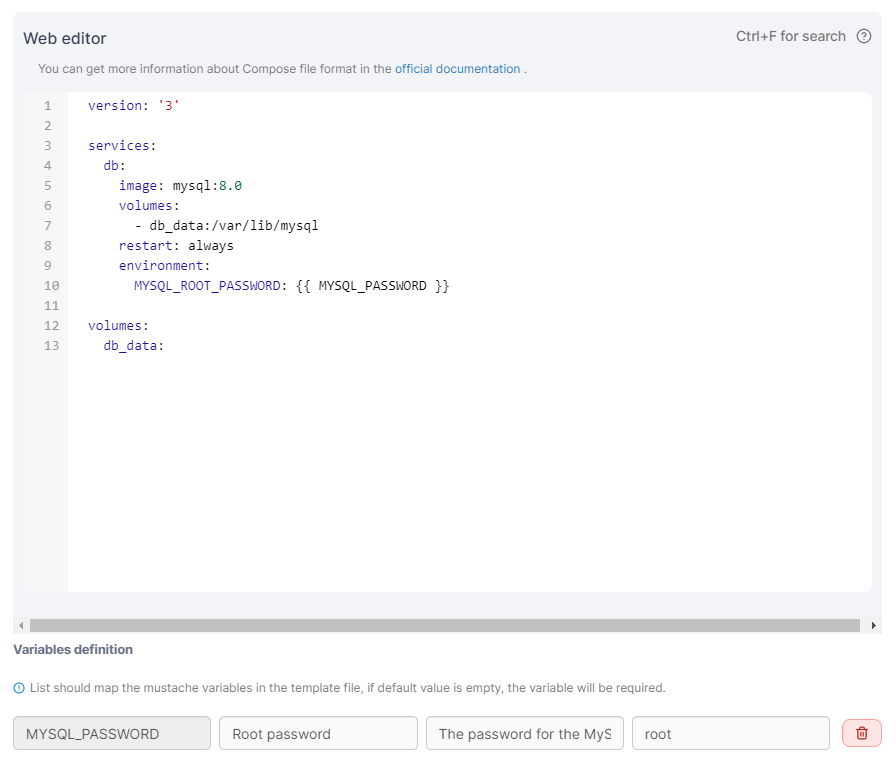
Variables are identified in stacks with `{{ }}`. For example, the following stack provides a `MYSQL_PASSWORD` variable:
When a variable is defined, options appear to customize how the variable appears when deploying the stack. You can set the **label**, **description** and **default value**.
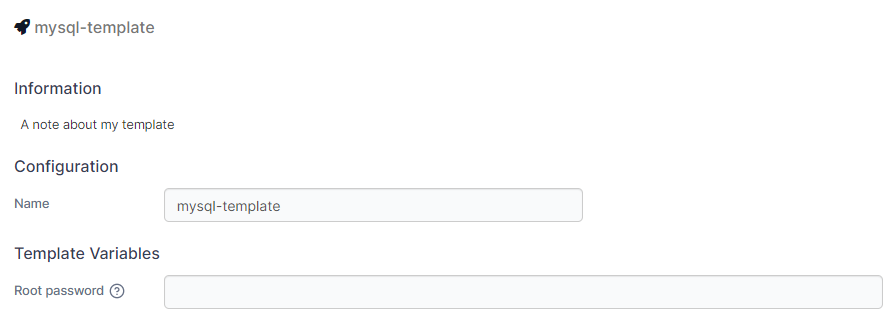
When a template is deployed, any variables that have been configured are editable: