# Webhooks
A webhook is a POST request sent to a URL that you define in Docker Hub or another registry. Use webhooks to trigger an action or a service in response to a repository push event.
{% hint style="info" %}
Webhooks are only available on non-Edge environments (environments running Portainer Server or Portainer Agent, not the Portainer Edge Agent). This is because the tunnel to the Portainer Edge Agent is only opened on-demand, and therefore would mean there is no way to expose a webhook permanently.
{% endhint %}
## Enabling a service webhook
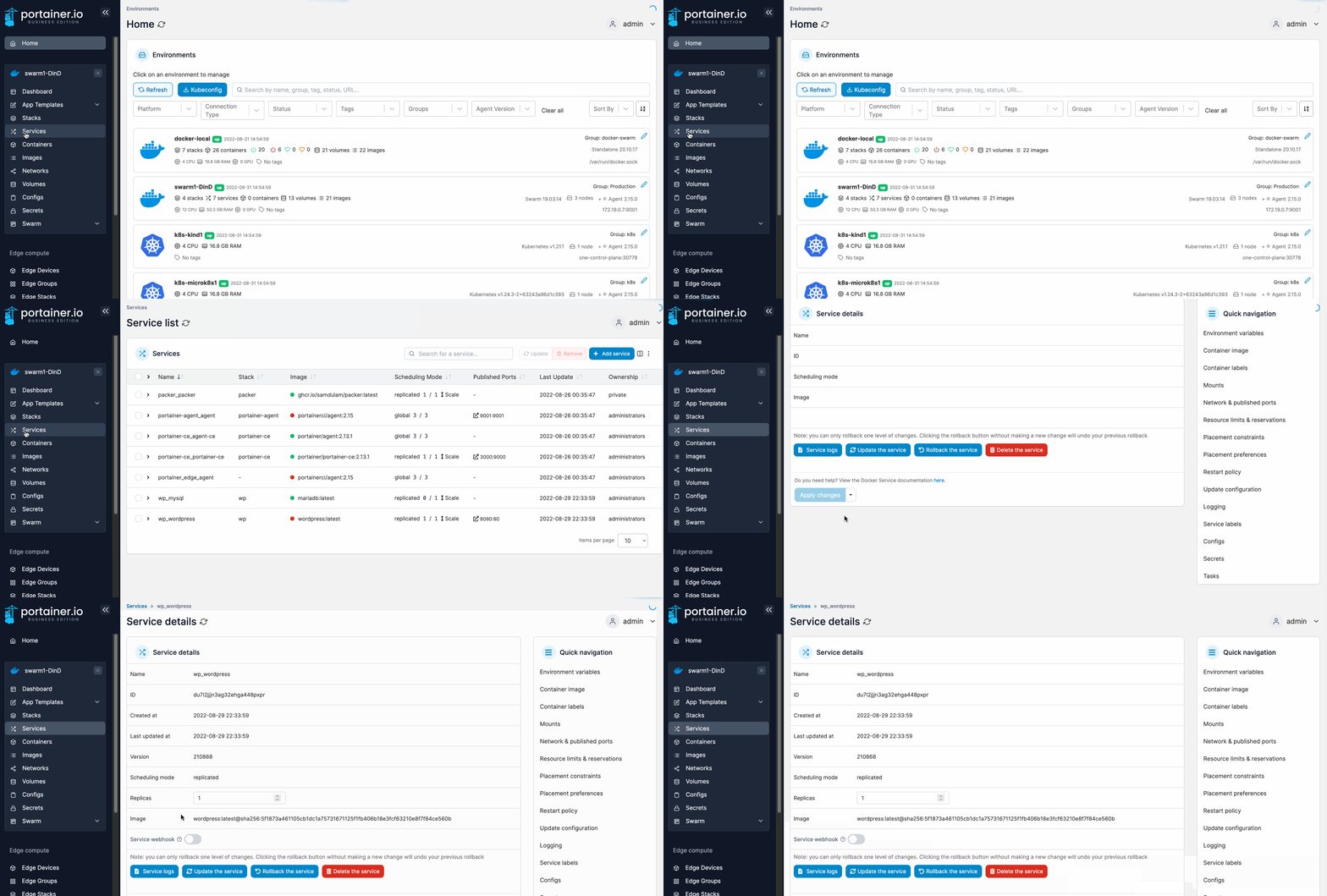
From the menu select **Services** then select the service that you want to configure the webhook for.
In the **Service details** screen toggle the **Service webhook** option on. When the URL appears, click **Copy link**. This URL will be used to configure the webhook in your chosen registry.
This example shows how to trigger the webhook using `redeploy`:
```
```
This example shows how to trigger the webhook using `update service image with a different tag`:
```
```
## Using environment variables with webhooks
When triggering a webhook, environment variables can be passed through the endpoint and referenced within services' compose files.
{% hint style="info" %}
This functionality is only available in Portainer Business Edition.
{% endhint %}
To specify an environment variable on a webhook, add it as a variable to the URL. For example, to pass a `SERVICE_TAG` variable with the value `development`:
```
https://portainer:9443/api/webhooks/1d251d96-fb34-4172-a0a1-d0655467b897?SERVICE_TAG=development
```
To reference the `SERVICE_TAG` variable in your compose file with a fallback to the value `stable`:
```
services:
my-service:
image: repository/image:${SERVICE_TAG:-stable}
```
## Configuring the webhook in Docker Hub
To finish the configuration, refer to [Docker's own documentation](https://docs.docker.com/docker-hub/webhooks/).