# Roll back a service

If you make a change to a service in Docker Swarm and your applications are no longer working as you expect, you can roll back to the previous state.

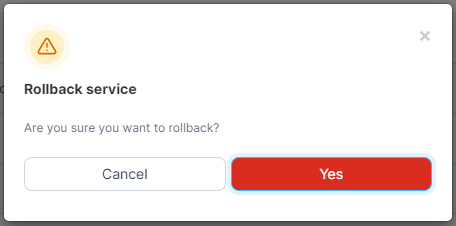
From the menu select **Services**, select the service to roll back then click **Rollback the service**.

<figure><img src="https://3850702872-files.gitbook.io/~/files/v0/b/gitbook-x-prod.appspot.com/o/spaces%2FXI7douejaBgpZ6CP2zJf%2Fuploads%2Fgit-blob-f13ddeb9da7107d5733ed17b8f90f531290afb3b%2F2.15-docker_services_service_rollback.gif?alt=media" alt=""><figcaption></figcaption></figure>

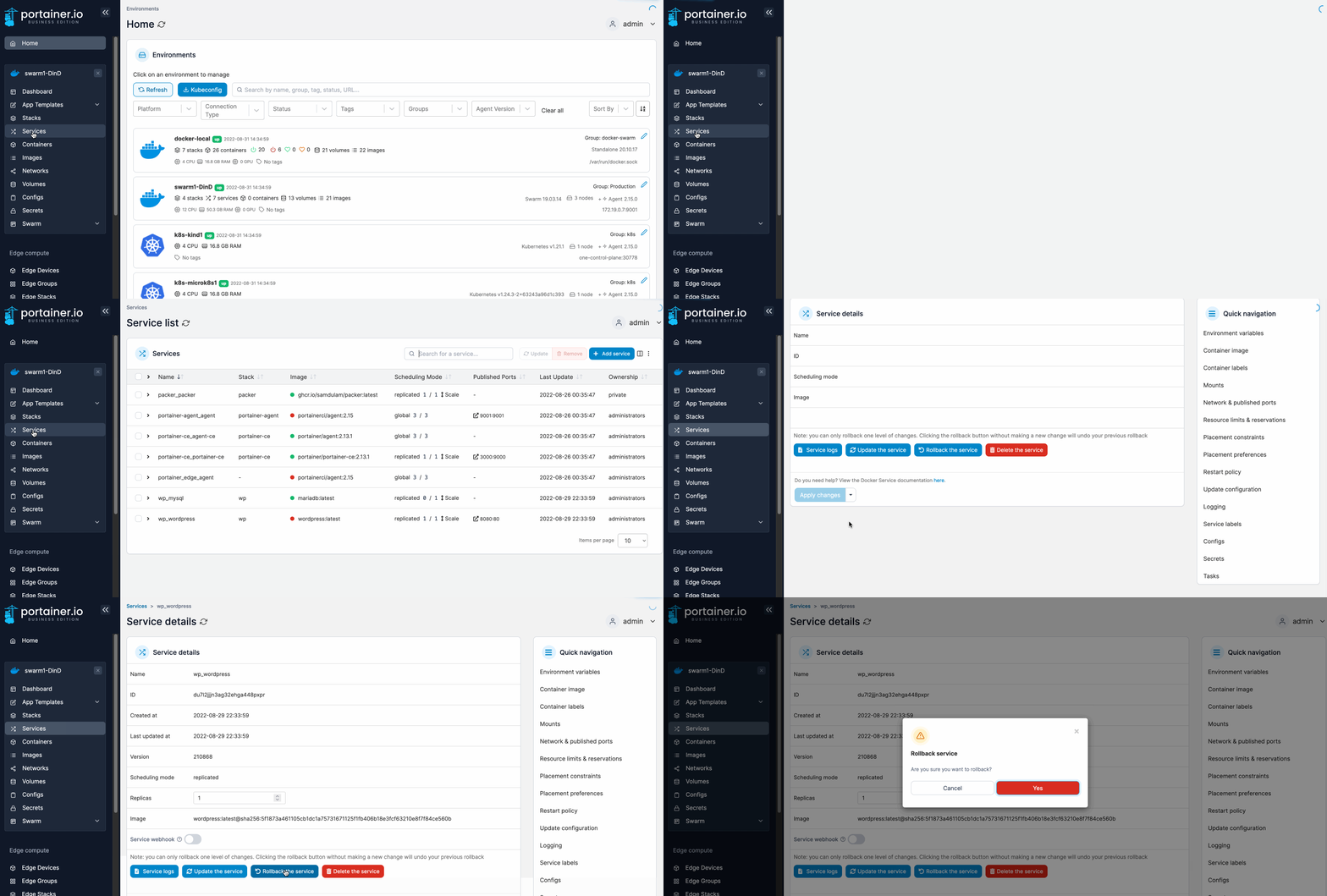
When the confirmation message appears, click **Yes**.
<figure><img src="https://3850702872-files.gitbook.io/~/files/v0/b/gitbook-x-prod.appspot.com/o/spaces%2FXI7douejaBgpZ6CP2zJf%2Fuploads%2Fgit-blob-61cee45059a07a21e34f7c627917483ae0885375%2F2.15-service-rollback-confirm.png?alt=media" alt=""><figcaption></figcaption></figure>