# Import an image
You can import images from other Portainer instances, the Docker CLI or the Docker Swarm CLI.
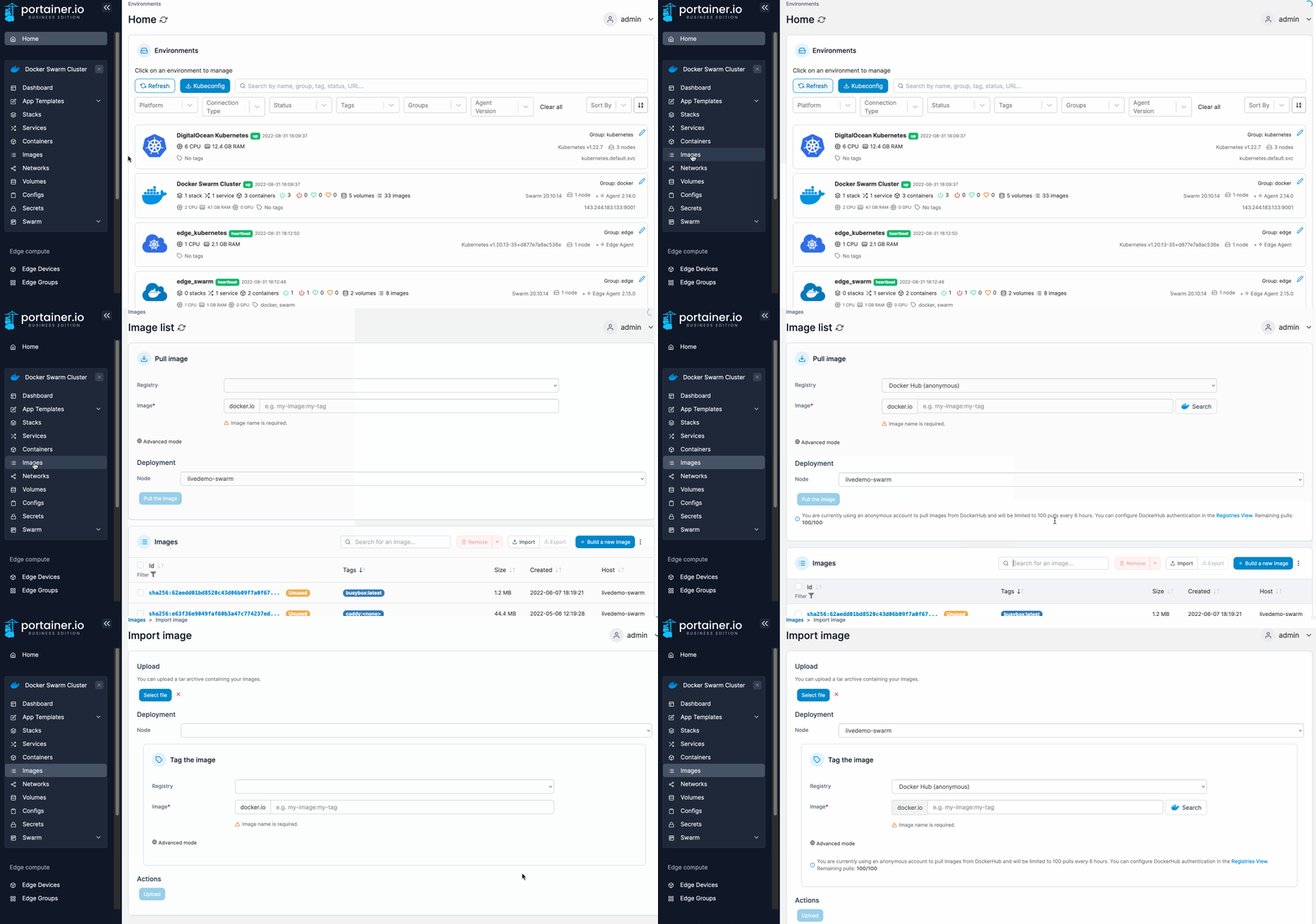
From the menu select **Images** then click **Import**.
Click **Select file** to browse for the image file to upload. Portainer supports `.tar`, `.tar.gz`, `.tar.bz2` and `.tar.xz` files. If you are on a multi-node environment, select the node where you wish to save the image.
{% hint style="info" %}
On a multi-node environment, the image you import will only be available on the node selected under **Deployment**. If you want to make the image available to all nodes, consider [adding a registry](https://docs.portainer.io/2.33-lts/admin/registries/add) to Portainer.
{% endhint %}
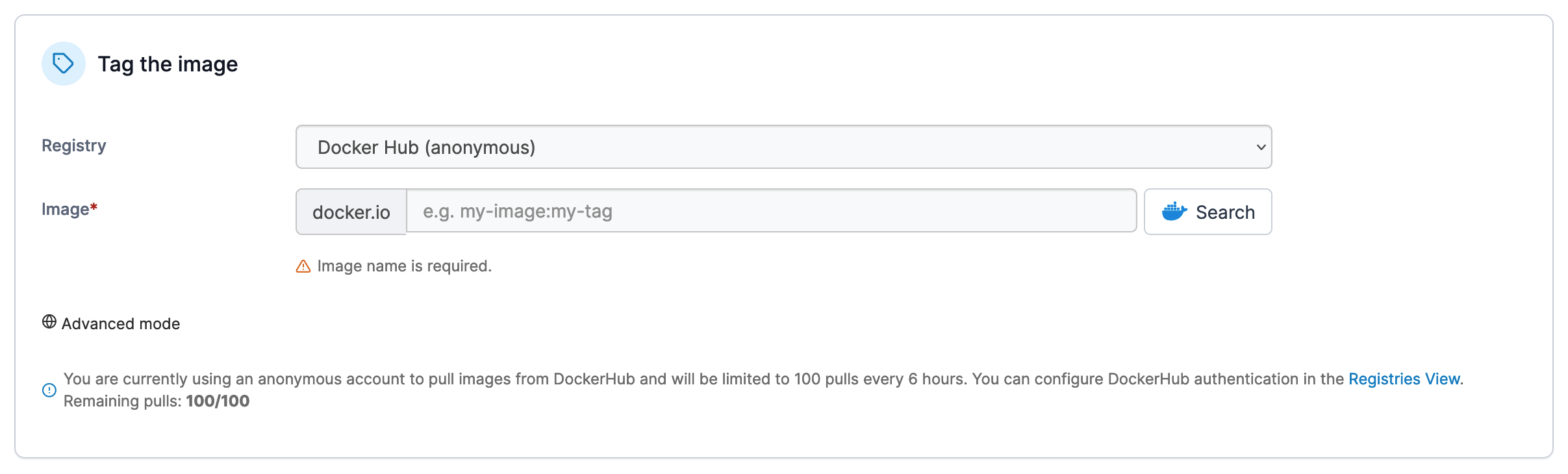
When importing an image you can also select to tag the image using a registry you have preconfigured in Portainer. Select the **Registry** from the dropdown and enter the image name and tag.
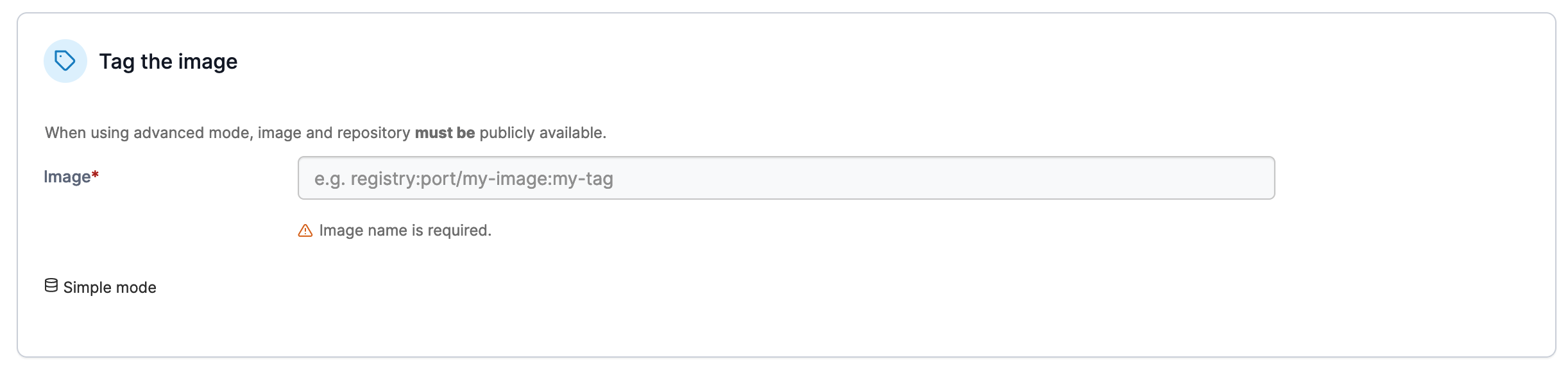
If you wish to tag the image with a registry that is not configured within Portainer, click **Advanced mode** and enter the registry, port, image and tag as required.
{% hint style="info" %}
If you want to tag the image locally rather than in a registry, use **Advanced mode** and simply specify the image name and tag, without a registry.
{% endhint %}
When you're ready, click **Upload** to import your image.