# Details
This page provides information about the Docker host for the selected environment. The page is split into the following sections: Host Details, Engine Details, and (if enabled) PCI Devices and Physical Disks.
{% hint style="info" %}
This page is only available on Docker Standalone environments.
{% endhint %}
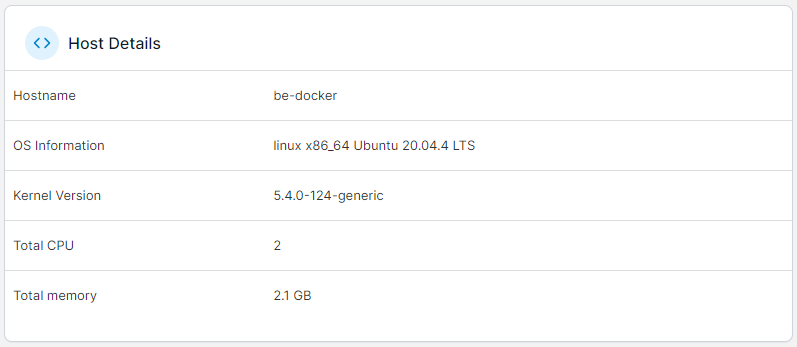
## Host Details
This section describes the host's basic configuration, including the hostname, OS information, kernel version, total CPU and memory. If the environment has the Portainer Agent installed, [host management features](https://docs.portainer.io/2.33-lts/user/docker/setup#enable-host-management-features) are enabled, and a `/host` mount has been configured, you can also browse the host file system from here.
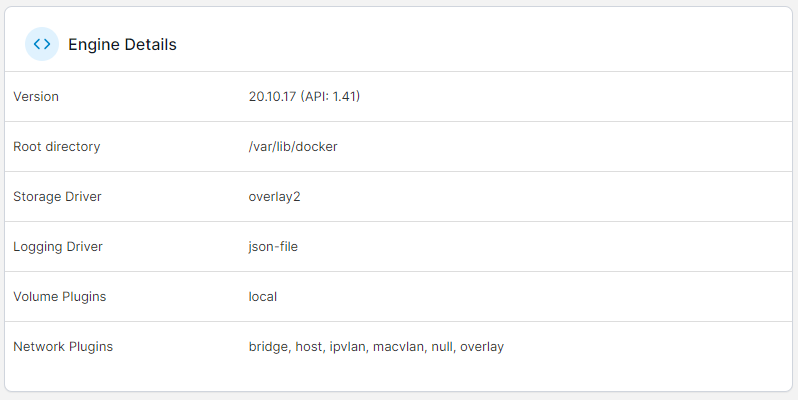
## Engine Details
Learn more about the Docker or Podman engine running on your environment, including the Docker/Podman version, the root directory, storage and logging drivers and available volume and network plugins.
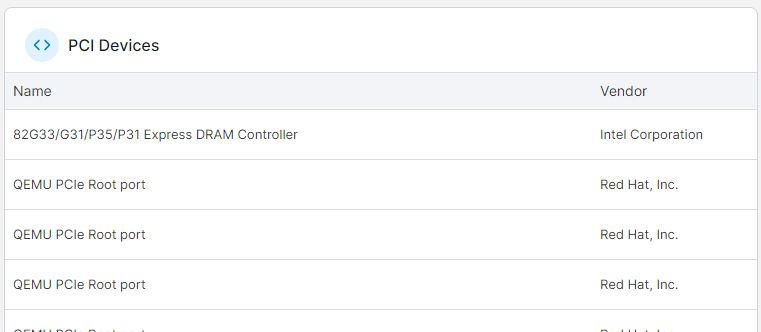
## PCI Devices and Physical Disks
These sections list the available PCI devices and physical disks on the host.
{% hint style="info" %}
These sections are only visible when [host management features](https://docs.portainer.io/2.33-lts/user/docker/setup#enable-host-management-features) are enabled for the environment.
{% endhint %}