# View container statistics

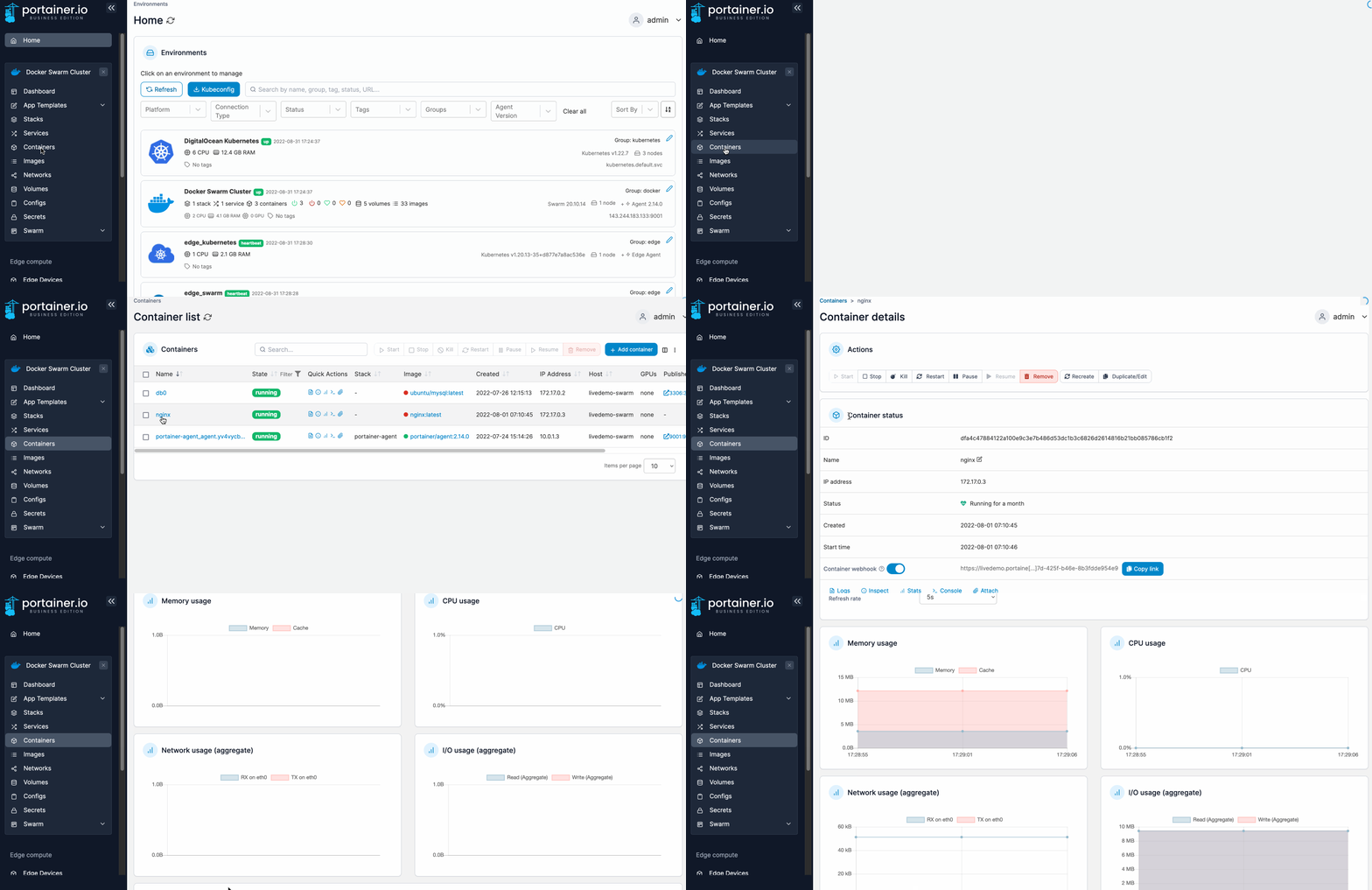
From the menu select **Containers**, select the container then select **Stats**.

<figure><img src="https://3850702872-files.gitbook.io/~/files/v0/b/gitbook-x-prod.appspot.com/o/spaces%2FXI7douejaBgpZ6CP2zJf%2Fuploads%2Fgit-blob-a35124700ec1a4a468d47088f24804f4db51d672%2F2.15-docker_containers_container_stats.gif?alt=media" alt=""><figcaption></figcaption></figure>

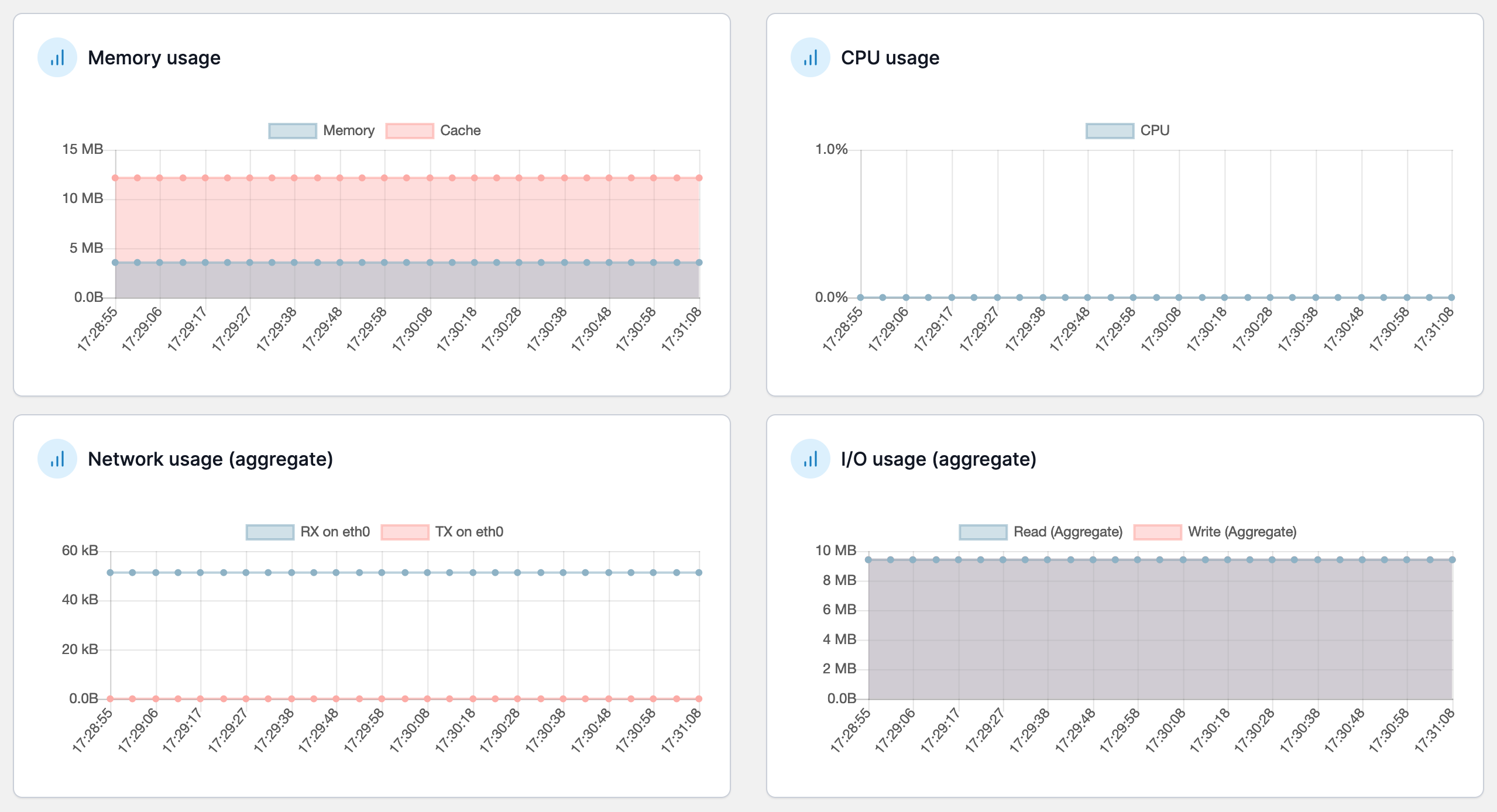
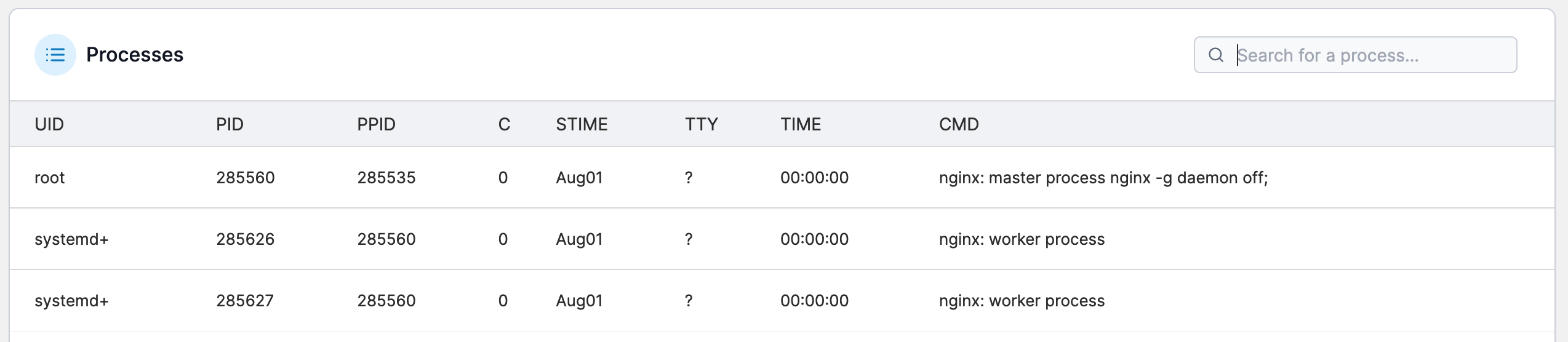
The information available includes:

* Memory usage.
* CPU usage.
* Network usage (RX and TX).
* I/O usage.
* Processes running in the container

<figure><img src="https://3850702872-files.gitbook.io/~/files/v0/b/gitbook-x-prod.appspot.com/o/spaces%2FXI7douejaBgpZ6CP2zJf%2Fuploads%2Fgit-blob-a0cc2cdea0fc14d16b2a5314db6124e42a13c70a%2F2.15-docker_containers_container_stats_usage.png?alt=media" alt=""><figcaption></figcaption></figure>

<figure><img src="https://3850702872-files.gitbook.io/~/files/v0/b/gitbook-x-prod.appspot.com/o/spaces%2FXI7douejaBgpZ6CP2zJf%2Fuploads%2Fgit-blob-3bd748689cd356e7e7da210ee452860b352344ce%2F2.15-docker_containers_container-stats-proc.png?alt=media" alt=""><figcaption></figcaption></figure>

{% hint style="info" %}
You can change the refresh rate at any time.
{% endhint %}