# View container details

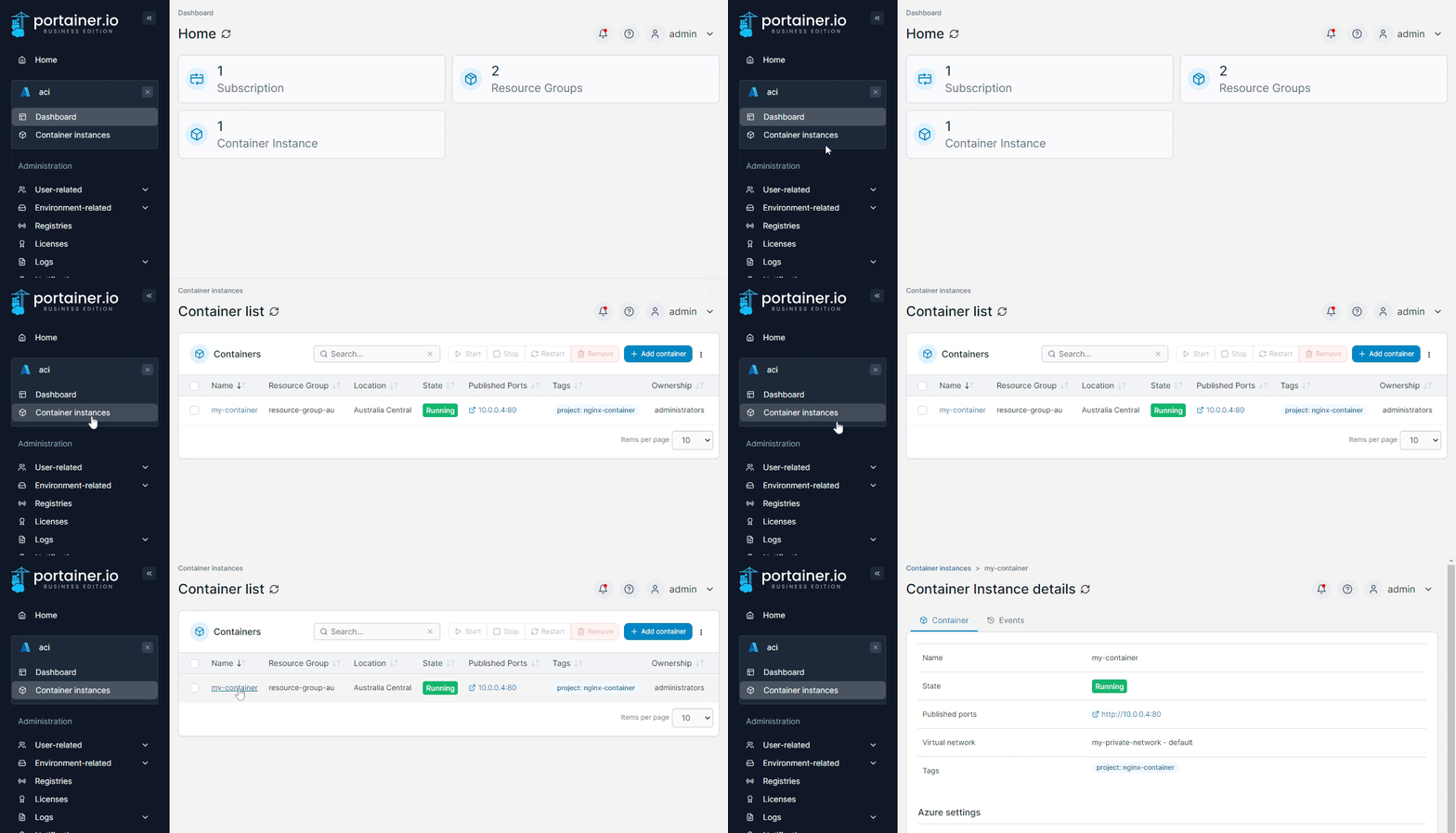
To view the details of an existing container, from the **Container instances** list click the container's name.

<figure><img src="https://3850702872-files.gitbook.io/~/files/v0/b/gitbook-x-prod.appspot.com/o/spaces%2FXI7douejaBgpZ6CP2zJf%2Fuploads%2Fgit-blob-3330949e463aeb004e22fbb1f59bcdde3d5e6687%2F2.22.0-aci-container-details.gif?alt=media" alt=""><figcaption></figcaption></figure>

### Container

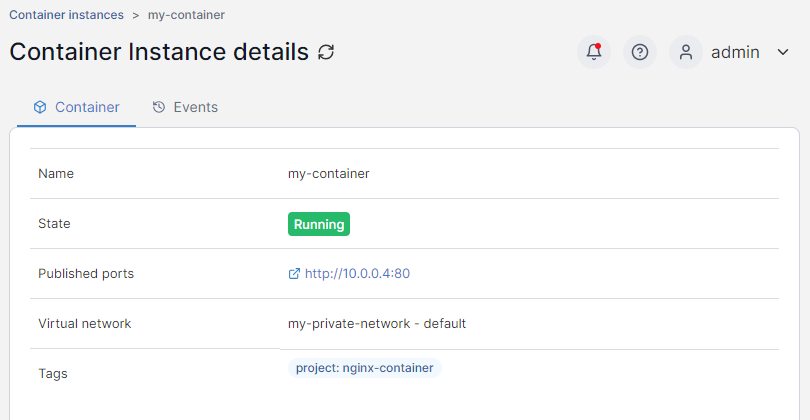
The Container Instance details page displays information about the selected container under the **Container** tab.&#x20;

<figure><img src="https://3850702872-files.gitbook.io/~/files/v0/b/gitbook-x-prod.appspot.com/o/spaces%2FXI7douejaBgpZ6CP2zJf%2Fuploads%2Fgit-blob-9c17fb8e2b4b33cbb9b2746704a3c421475a1137%2F2.22.0-aci-container-details.png?alt=media" alt=""><figcaption></figcaption></figure>

### Events

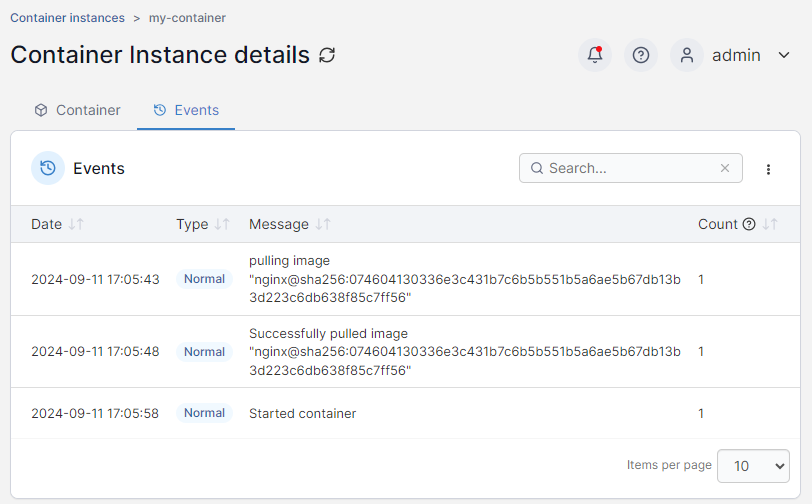
You can view past events in the container's lifecycle in the **Events** tab.

<figure><img src="https://3850702872-files.gitbook.io/~/files/v0/b/gitbook-x-prod.appspot.com/o/spaces%2FXI7douejaBgpZ6CP2zJf%2Fuploads%2Fgit-blob-1b7a34d46400c9c282a81fa66c28bbafee04ed5d%2F2.22.0-aci-container-details-events.png?alt=media" alt=""><figcaption></figcaption></figure>

Events can be sorted by date, type, message and count (the number of times the event has fired) and can be filtered from the search box.

### Actions

From this section you can start, stop, restart or remove your container.

<figure><img src="https://3850702872-files.gitbook.io/~/files/v0/b/gitbook-x-prod.appspot.com/o/spaces%2FXI7douejaBgpZ6CP2zJf%2Fuploads%2Fgit-blob-4f9d61aafc9f4cc96df856d29d2b4593279e51bb%2F2.22.0-aci-container-details-actions.png?alt=media" alt=""><figcaption></figcaption></figure>

### Access control

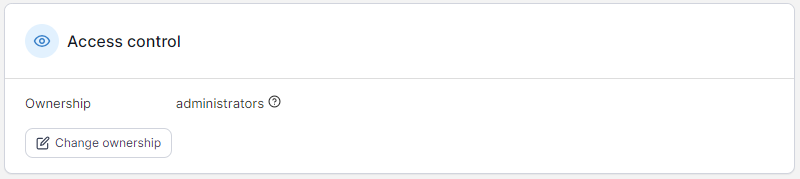
This section shows the current ownership and access for the container and allows you to change it.
<figure><img src="https://3850702872-files.gitbook.io/~/files/v0/b/gitbook-x-prod.appspot.com/o/spaces%2FXI7douejaBgpZ6CP2zJf%2Fuploads%2Fgit-blob-bd591c0d8f21a8794b14aba51358a366a59e1129%2F2.22.0-aci-container-details-accesscontrol.png?alt=media" alt=""><figcaption></figcaption></figure>